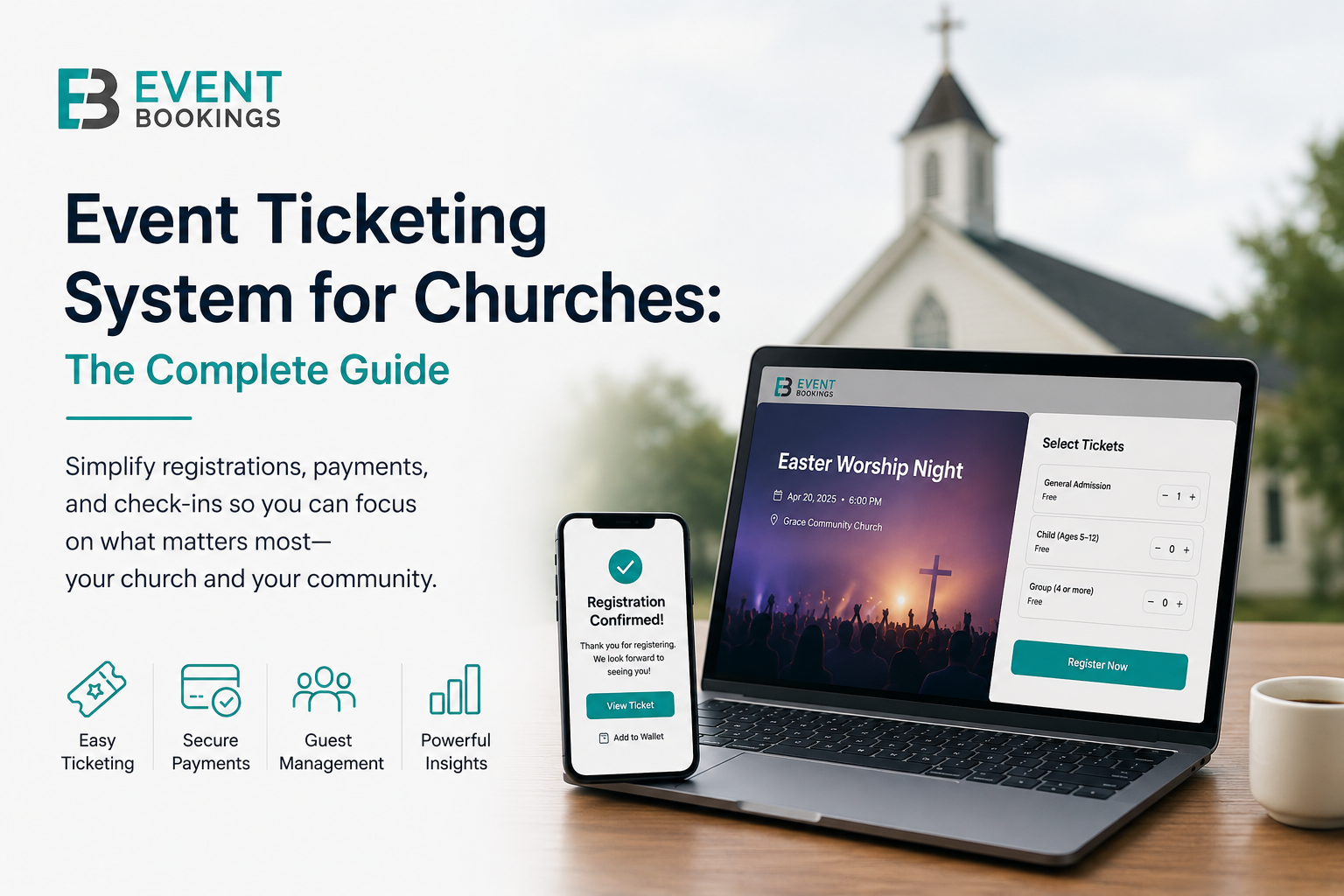
Running a church involves much more than Sunday services. Christmas concerts, Easter productions, fundraiser dinners, youth retreats, and VBS week fill today’s congregations’ calendars. Managing all that with paper sign-up sheets, spreadsheet waitlists, and email chains doesn’t work anymore.
An event ticketing system for churches gives your team one place to handle registrations, payments, donations, and guest check-ins. Used well, it enables volunteers and creates a smooth, professional experience. This shows your church cares about every detail.
This guide describes what church event ticketing software should do. You’ll learn which events benefit most, which features matter, and how to pick the right platform for your church’s size and budget. By understanding these points, you’ll see how ticketing can make church event management easier and more effective.
Why Churches Need a Dedicated Event Ticketing System
Most churches begin with what they have: a Google Form for sign-ups, a spreadsheet to track attendees, and a volunteer with a printed list at the door. This approach works for a few events. As your calendar grows, it quickly falls apart.
Here is what typically breaks first:
Capacity overruns. Without a system to enforce limits, churches often oversell their hall, sanctuary, or auditorium. A first-time visitor might drive 40 minutes and find no seats left. This is not a good experience.
Last-minute no-shows. When registration is free and frictionless, commitment rates drop. Even a free-ticket model adds a small but meaningful commitment. This reliably reduces no-shows by encouraging people to cancel if their plans change.
Payments get fragmented. Retreat fees may be collected by bank transfer. Fundraiser dinner payments come in cash. Youth camp fees may be submitted on paper. All of this ends up scattered in different places. Reconciling everything before your next leadership meeting is nobody’s idea of a good time.
Volunteer burnout at the door. Manually checking names off a list slows entry and creates queues. This wastes time that your volunteers could spend welcoming people, instead of reading handwriting.
No data after the event. Spreadsheets tell you who came. A proper event ticketing platform shows who registered but didn’t show up, which ticket tier sold the fastest, and what time most guests arrived. This data helps you run better events next time.
By streamlining these pain points, a church event ticketing system addresses common challenges and prepares you to think about the specific types of events that will benefit most from such software. With the organization improved, let’s look at event types next.
The Types of Church Events That Benefit from Online Ticketing
Not every gathering needs ticketed registration. Sunday services, small groups, and prayer nights work better with simple RSVPs or an open-door policy. Tickets are most useful for these event types:
Annual & Seasonal Productions
Christmas concerts, Easter productions, Nativity shows, and Harvest celebrations bring in the biggest crowds each year. These events often attract people who don’t usually attend. Reserved seating, capacity controls, and waitlists help keep things organised. This way, you can plan seats, food, and parking more accurately.
Fundraiser Dinners & Galas
Ticketed fundraisers include paid admission and table bookings. You can also accept extra donations during checkout. The right platform handles all of this in one step, making your event look professional and keeping your financial reports clear.
Youth & Children’s Programs
Vacation Bible School (VBS), kids’ camps, and youth retreats require detailed registration. You can collect dietary needs, emergency contacts, medical notes, and photo consent when people sign up. A ticketing platform with custom fields keeps all this information in one place, so nothing gets missed.
Church Conferences & Guest Speaker Events
If your church is hosting a visiting speaker, a leadership conference, or a women’s or men’s event, ticketing helps you manage capacity. It also lets you offer early-bird pricing and send mobile confirmations.
Outreach & Community Events
Markets, barbecues, cultural evenings, and screenings help your church connect with the neighborhood. Free or low-cost tickets make it easier to plan for catering and logistics. Registration also gives you a contact list for future outreach.
Retreats & Overnight Events
Multi-day events require deposits, payment installments, and room assignments. The ticketing system can handle payment plans, send reminders, and track balances.
Memorial & Dedication Services
Special services for dedications, baptisms, and memorials often have capacity limits. Ticketing manages this smoothly, without making the occasion feel transactional.
Key Features to Look for in a Church Ticketing System
There are many event ticketing platforms. Most are built for commercial event organisers. These tools target concert promoters, conference companies, and festival operators. The features that matter for a church are often different.
Here is what to prioritise:
1. Free Ticket Option with No Fees
Your top priority should be finding a platform that offers free ticket options with no fees. Many church events are free, but some platforms still charge fees for no-cost registrations, which can hurt community programs. Pick a system that really lets you register people for free, no matter how many attend.
2. Multiple Ticket Types in One Event
A fundraiser might need tickets for adults, concessions, kids, and groups. You may also want to offer an online attendance option. Your platform should display all these ticket types on one event page, not in separate lists.
3. Integrated Donation Collection
Churches often use events to encourage giving. Choose a platform that lets attendees donate during checkout or suggests a donation instead of a ticket price. This way, giving and registration happen in one step.
4. Custom Registration Forms
Youth events need emergency contacts, retreats need dietary information, and conferences need attendee badges. Your ticketing system should collect custom information, not just names and emails.
5. Capacity Management and Waitlists
Set a maximum number of attendees and let the system enforce it. When the event is full, waitlists collect information from people who missed out. You can notify them if spots open up or if you add another session.
6. Mobile Check-In App
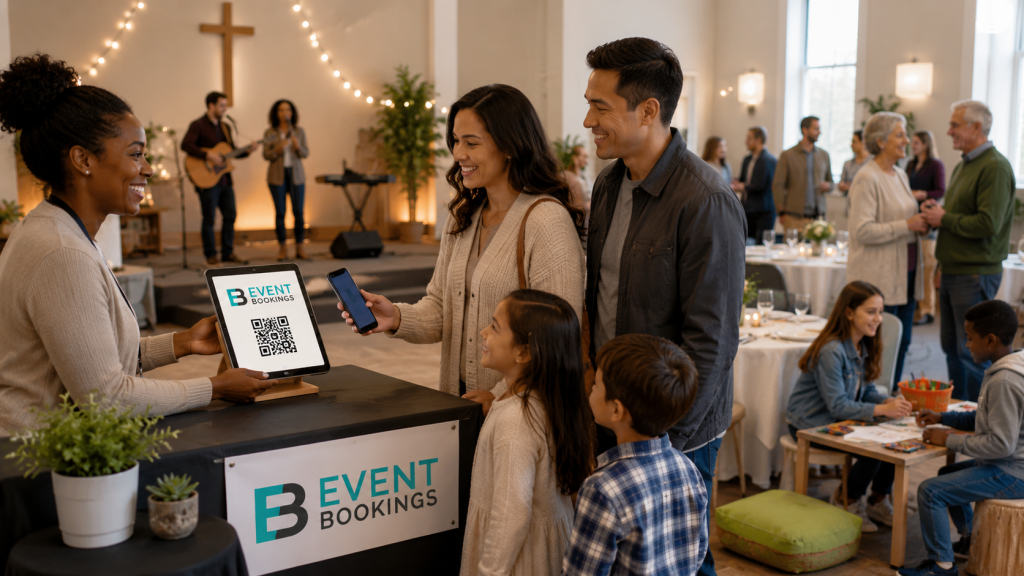
Checking in 200 guests before a meal needs to be quick. A mobile app lets volunteers scan QR codes for instant results. This gets rid of lines and does away with paper lists.
7. Automated Email Confirmations and Reminders
Every attendee should receive a confirmation, ticket, and event details right after registering. Automated reminders before the event help reduce no-shows. Both tasks should happen automatically, without extra work.
8. Transparent, Low Fee Structure
Every dollar spent on platform fees is a dollar your ministry doesn’t have. Make sure you know your costs, including per-ticket fees, processing rates, and subscriptions. Add them up to see your total cost.
9. Reporting and Attendee Data
After the event, export the attendee list. See tickets sold versus redeemed, and where registrations came from. This data helps with event planning and supports leadership.
10. Ease of Use for Volunteers
Anyone can set up your events—a retiree, a student, or an office manager. The system should be learnable in 30 minutes, with no formal training. If it needs a manual or IT support, it’s not right for you.
How EventBookings Supports Church Events
EventBookings makes managing events simple, professional, and affordable. These qualities are important for churches, where staff are busy and budgets are limited.
Quick Event Setup
You can create a branded event page for your concert, dinner, or youth camp in just a few minutes. Add your logo, banner, description, and all the details. Then share the link with your congregation by email, app, or social media.
Free Events with Zero Cost
Registration is free on EventBookings. Use it for your next community event. Outreach events and gatherings become effortless when you focus on people instead of logistics.
Multiple Ticket Tiers and Group Bookings
Sell individual tickets, family passes, tables, and VIP seats on a single page. Set different prices for adults, concessions, kids, and early birds. Prices can revert automatically after a set date.
Donation Collection at Checkout
Add a donation option to any event. Attendees can give more above their ticket purchase, or choose their giving level for donation-based events. All transactions are captured and reported together.
Custom Attendee Forms
Collect only the information you need—dietary needs, t-shirt size, contacts, or consent forms. Each custom field response appears in your attendee report after the event.
Capacity Limits and Automatic Waitlists
Set your maximum capacity and let EventBookings do the rest. When full, a waitlist captures interested guests and notifies them if space opens.
Branded Confirmation Emails and Reminders
Every registrant receives an instant, professionally formatted confirmation email with their ticket attached. Schedule automated reminder emails in the days leading up to your event to reduce your no-show rate.
Mobile Check-In
The EventBookings mobile app lets your team scan QR code tickets for instant validation. There’s no need for printed lists, manual searches, or long lines. Multiple volunteers can check in guests at the same time on different devices, which is especially helpful for large events with tight arrival times.
Financial Reporting for Church Treasurers
Every transaction is recorded, timestamped, and easy to export. Your treasurer will have a clear record of ticket sales and donations, sorted by ticket type, without needing to track down receipts or match up different sources.
Practical Tips for Running Church Events with a Ticketing System
Getting the most from your platform is as much about process as it is about features. Start applying these church-specific practices today to create more impactful and organized events.
Communicate the “why” to your congregation. Some members — particularly those who have attended for many years — may be surprised to see ticketing for a church event. A brief explanation from your pastor or events team (“We’re using online registration this year so we can plan more accurately for seating and catering”) removes friction and increases uptake.
Open registrations at least three to four weeks before your event. Early registration gives you better planning numbers, more accurate catering estimates, and helps avoid last-minute stress.
Offer a “suggested donation” option for community events rather than a fixed ticket price. This increases the number of people who register (because there is no barrier to entry) while still capturing generosity from those who want to contribute. EventBookings supports pay-what-you-can pricing for exactly this use case.
Use the waitlist feature even if you don’t expect to sell out. Waitlist sign-ups represent your most engaged attendees — the people motivated enough to put their hand up even after the event appeared full. They are excellent candidates for a second session if demand warrants it.
Train two volunteers on check-in before every event, not just one. Having a backup who knows the mobile app ensures the check-in process keeps moving, even if your lead volunteer is delayed or helping with another issue.
Export your attendee list the morning of the event. Even with a digital check-in system, having a backup printed list for genuinely exceptional situations (no phone signal in the venue, a device failing) is sensible contingency planning.
Review your no-show rate after each event. If it is consistently above 15-20% for a free event, consider introducing a refundable deposit or a nominal fee that signals commitment, yet without creating a real financial barrier.
Church Ticketing: Free vs Paid Events — Getting the Balance Right
One of the most common questions church event organisers ask is whether to charge for events that have historically been free. There is no single right answer, but a few principles can guide the decision.
Free events with registration are almost always better than unregistered ones. Even if there’s no ticket price, requiring registration gives you headcount data, helps manage capacity, and creates a way to communicate with attendees. The barrier to entry is low, but the benefits are big.
A small fee for high-cost events is appropriate and expected. Fundraiser dinners, retreats, and ticketed concerts involve real costs — catering, venue hire, speaker fees, and equipment. A ticket price that covers costs is entirely reasonable and is generally well accepted by congregations who understand the event’s purpose.
Suggested donations outperform both free and paid-for community outreach events. When your event is positioned as a community gift, but you want to give people an opportunity for contribution, a pay-what-you-can model consistently generates more giving than either a fixed price or a free event with a donation bucket at the exit.
Concession pricing demonstrates pastoral care. Offering reduced prices for pensioners, students, and low-income families makes sure that cost is never the reason someone misses a meaningful event.
Frequently Asked Questions
It depends on the platform. Most platforms are free for events that don’t charge for tickets, but if you sell tickets, there’s usually a service and processing fee. EventBookings lists all costs clearly from the start.
Yes, you can set up different ticket options for in-person or online attendance, such as sharing a live stream link. This helps include everyone, whether it’s for Christmas services, a guest speaker, or when space is limited at your venue.
Yes, you can! EventBookings lets you run donation-based events where guests pick their own contribution amount. You can suggest a minimum or let them decide, and every donation is neatly tracked on your dashboard—making giving simple and meaningful for your community.
Yes. Even small churches benefit from easier planning, less admin, and a better attendee experience. Costs are minimal, and time is saved.
You can process walk-ins on the same platform. Their info is captured, and your headcount updates instantly.
EventBookings is best for planned events with set dates. For weekly services, you can easily create recurring event listings.
EventBookings stores attendee data in accordance with applicable privacy legislation, including Australia’s Privacy Act. Attendee information is employed solely for the purpose of managing your events and is never sold or shared with third parties.
Getting Started with EventBookings for Your Church
Setting up your first church event in EventBookings takes under 20 minutes. Here is the basic process:
- Create your account — Sign up for free. No credit card required to get started.
- Set up your event — Add your event name, date, venue, description, and banner image.
- Configure your tickets — Create ticket types with prices (or set them as free), add any custom form fields, and set your capacity limit.
- Publish and share — Go live and share your event link with your congregation through email, social media, your church website, or app.
- Manage registrations — Monitor sign-ups in real time, communicate with registrants, and download your attendee list.
- Check in on the day — Use the EventBookings mobile app to scan tickets at the door.
- Review your reports — After the event, access your full attendee and financial report.
Your team does not need an IT background, a training course, or any prior experience with event management software. If you can navigate a web browser and a smartphone, you can run a professional church event with EventBookings.
The Bottom Line
A church is a community, and every event you run is an act of community building — whether it is a fundraiser dinner for a local mission, a Christmas concert open to the whole neighbourhood, or a youth retreat that changes the trajectory of a teenager’s life.
That community deserves a registration experience which is as warm, organised, and welcoming as the event itself. An event ticketing system for churches like EventBookings gives you the infrastructure to deliver exactly that — without adding burden to your volunteers, without burning your admin team’s time on spreadsheets, and without letting platform fees eat into the resources your ministry depends on.
Ready to simplify your church events? Get started with EventBookings for free today.