
One of the most challenging jobs anyone can take is planning and arranging an event. For this reason, the right kind of event management software can be really beneficial. However, the decision might be more tricky than it seems because so many excellent event management solutions are available.
Are you also an event organizer looking for all-in-one, affordable, and user-friendly event software platforms for managing events? Then you are at the right place. We’ve reviewed 2026’s best 8 event management software to help you narrow down your options.
In this article, we will first understand the basics of event management solutions, the checklist you must carefully take before selecting an event software platform, and how you can find the right fit for your event. Then, we will explore the top 8 software so that you can confidently decide which one to choose as your companion in your next event planning journey.
Table of Contents
What is Event Management Software?
Event management software is a powerful tool designed to streamline the planning, organization, and execution of events. Whether it’s a small corporate meeting or a large-scale conference, this software helps organizers manage various aspects of the event. From registration and ticketing to scheduling and analytics, it can be called event planner software as it provides a complete solution that simplifies the entire process. It centralizes all event-related tasks into one platform, making it easier for planners to coordinate with their team, track progress, and ensure a successful event.
What Features Should Event Planning Software Have?
When selecting an event planning software, looking for features that will make your job easier and enhance the attendee experience is essential. Here are some key features to consider:
- Registration and Ticketing: The software should offer easy-to-use registration forms and secure payment processing for ticket sales.
- Event Website and Mobile App: Customizable event websites and mobile apps provide attendees with all the necessary information and keep them engaged.
- Agenda and Scheduling: Tools for creating and managing event schedules, including session tracks and speaker information, are crucial.
- Networking and Engagement: Features like attendee matchmaking, live polling, and Q&A sessions help boost participant interaction.
- Analytics and Reporting: Comprehensive analytics tools provide insights into attendee behaviour, registration trends, and event performance.
- Marketing and Promotion: Built-in email marketing and social media integration can help promote your event and drive registrations.
- Customer Support: Trustworthy and dedicated customer support is a must to address any issues that may arise during event planning and execution.
How to Choose the Suitable Event Management Software?
Choosing the perfect event management software for your event involves several considerations. Here’s a step-by-step guide to help you make an informed decision:
Define Your Event Needs
First, pinpoint the specific requirements of your event. Are you planning a small seminar, a mid-sized workshop, or a large-scale conference? Each type of event will have different needs. For a small seminar, you might need basic registration and scheduling features. However, a large conference might require more robust capabilities, such as advanced ticketing options, multiple session tracks, and sophisticated networking tools. By clearly understanding the scale and nature of your event, you can narrow down the software options to those that best align with your event’s goals and requirements.
Key Features to Look For
Once you have defined your event needs, list essential features. If attendee engagement is crucial, look for software that offers interactive tools like live polling, Q&A sessions, and networking opportunities such as attendee matchmaking. If you’re planning an online or hybrid event, ensure the platform supports live streaming, virtual booths, and virtual networking spaces. Other vital features might include robust analytics for tracking event performance, marketing tools for promoting your event, and customization event websites and mobile apps.
Consider User Experience
The software should be intuitive and easy for you and your attendees. A complex interface can make you confused and lead to frustration. Look for platforms that offer a clean, user-friendly design and straightforward navigation. Renowned software providers offer free trials, which can be extremely helpful. During the trial period, test how easy it is to set up the event, manage registrations, and communicate with attendees. Pay attention to how intuitive the interface feels and how quickly you can perform essential tasks. A smooth user experience can save time and reduce stress during the planning process.
Evaluate Pricing and Cost
Budget is a critical factor when choosing event planning software programs. Pricing models can vary widely, from one-time fees to subscription-based plans. Carefully consider the total cost, including additional extra features or support charges. Some software may charge per attendee or per event, while others offer flat-rate pricing. Compare different pricing plans and consider the value each plan provides relative to your budget. Look for any hidden costs, such as fees for premium support or additional customization options. Choosing software that fits your budget while still providing all the necessary features is crucial for successful event planning.
Check for Scalability and Flexibility
Your event management software should grow with your needs. If you plan to host larger or more complex events in the future, ensure the platform can scale accordingly. Additionally, flexibility in customization options can help tailor the software to fit your unique event requirements. Look for software that can handle an increase in attendees, sessions, or events without a significant drop in performance. Flexibility in terms of design and functionality can help you create an engaging experience for your attendees, regardless of the size or type of event.
Assess Security and Compliance
Data security is principal, especially when handling sensitive attendee information. Look for features like data encryption, secure payment processing, and privacy controls to protect your data and build trust with your attendees. The software should have maximum security measures in place to prevent data breaches and protect against cyber threats. Compliance with international data protection standards is also essential, particularly if you have attendees worldwide. High-security standards help protect your reputation and build attendee trust.
Test and Trial the Software
Before you make a final decision, test the software thoroughly. Most providers offer free trials or demo versions, which allows you to explore the functionality. Don’t hesitate to reach out to customer support during this phase to gauge their responsiveness and helpfulness. This hands-on experience will give you a better idea of how the software performs in actual scenarios and whether it fits your event’s specific needs. Engaging with customer support can also provide insights into the level of service you can expect once you’ve committed to a platform.
List of 13 Best Event Management Software
1. EventBookings
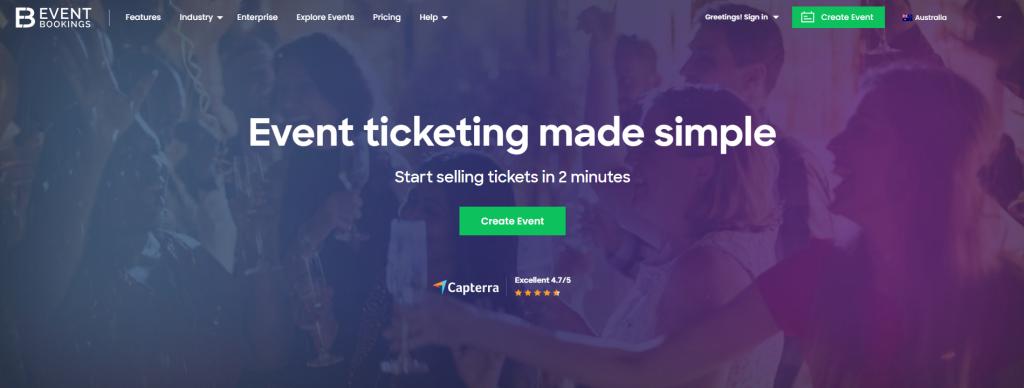
EventBookings is a versatile event management platform that works outstanding for a wide range of events, from small gatherings to large conferences. It is popular for its user-friendly interface and powerful ticketing features. EventBookings provides the tools you need to manage registrations, promote your event, and engage with attendees seamlessly.
Top Features:
- Online Ticketing: Allows easy setup for online ticket sales with customization ticket types and pricing.
- Event Promotion: Includes tools for promoting events through email marketing and social media integration.
- Virtual Events: Supports virtual events with live streaming capabilities and interactive features like Q&A and polling.
- Analytics: Offers detailed analytics and reporting to track ticket sales and attendee engagement.
- Dedicated Customer Support: EventBookings offers unparalleled customer support to assist organizers with any issues or questions, ensuring a smooth event planning process.
- Embedded Email Marketing: Built-in email marketing tools like Umerang allow organizers to create and send promotional emails directly from the platform.
- Privacy Guaranteed: EventBookings ensures the highest level of data security and privacy, protecting sensitive attendee information.
- Streamline Check-Ins with Mobile Ticket Scanning: The platform supports mobile ticket scanning, making the check-in process more efficient and reducing wait times for attendees.
- Customize Your Event Page: Organizers can create and customize event pages to reflect their brand and provide attendees with a personalized experience.
- Sell Session Tickets with Ease: EventBookings allows for the sale of individual session tickets, offering flexibility for attendees and accelerating ticket sales.
What Makes EventBookings Unique?
EventBookings stands out for its seamless integration of event management tools for events of all types. It can be a best option as a free event management software for free events and an affordable solution for the paid events. Moreover, the platform’s flexibility, on the go event management app and ease of use make it an excellent choice for organizers who want a straightforward yet powerful solution.
Pros
“The platform is super intuitive, offering excellent customisation options for your order forms so your event looks just how you want it. Their customer service really stands out—it feels like EventBookings is an extension of our own team, always ready to tackle any issue or question we throw their way.” Carolyn I. Nonprofit Organization Management
“Our experience was amazing from the customer service provided at the beginning by walking me through the whole process, ongoing support regardless of the question I asked. I felt supported and important as a customer.The customer service was exceptional.” Susan L. Defense & Space, 10,001+ employees
Cons
“Most of it is easy, find some of the reports were a bit hard, but when we got help was easy.” Kay D. Financial Services, 1-10 employees
2. Cvent
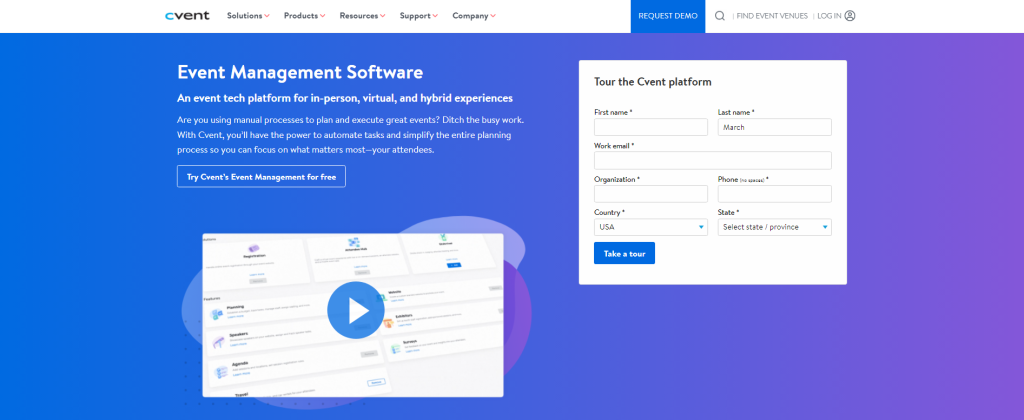
To optimize the impact of every event you organize, Cvent is cloud-based conference management software that offers simple, comprehensive tools for event planning. It assists event industry professionals at every stage of the process, from audience interaction and analytics to evaluation of the event’s results.
Top Features:
- Onsite Solutions: Cvent provides onsite check-in and badge printing solutions that streamline the attendee experience, reduce wait times, and enhance event security.
- Audience Engagement: The platform includes tools for live polling, Q&A sessions, and surveys, fostering interactive and engaging event experiences.
- Event Marketing: Integrated marketing tools that include email campaigns, social media promotion, and detailed attendee tracking.
- Analytics and Reporting: In-depth reporting tools provide insights into event performance, attendee engagement, and ROI.
What Makes Cvent Unique?
Cvent’s unique blend of comprehensive features and exceptional customer support sets it apart in the event management software landscape. Additionally, Cvent’s four-stage model for event planning ensures that every aspect of the event lifecycle is meticulously managed.
Pros
“The ease of use, the valuable data that it compiles, and the ease for the attendees.” Mary Ann H. Banking, 1,001-5,000 employees
Cons
“There are too many things to count. Simple things that you would think would be obvious are not options. This was supposed to be a partenrship not a battle. We have a LONG list of things they promised that they could not deliver. Promised features that are a year away from development, with no mention it’s years away. Once you sign the dotted line the restrictions soon follow. Do NOT sign with them.” Autumn S. Higher Education, 1-10 employees
3. InviteDesk
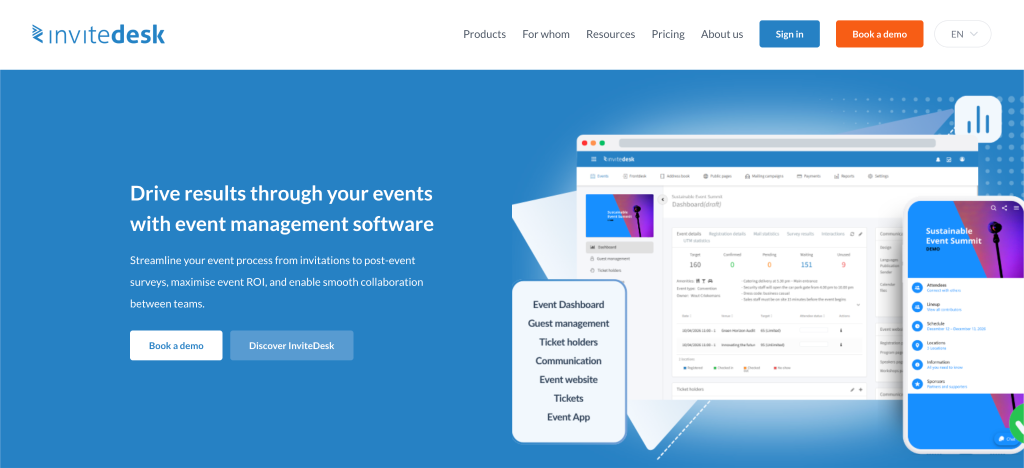
InviteDesk is a powerful event marketing and lead generation platform designed specifically for B2B companies and corporate event organizers. Unlike general ticketing platforms, InviteDesk focuses entirely on the critical connection between events and sales, helping organizations turn their corporate events, webinars, and roundtables into measurable revenue.
Top Features:
- Targeted Invitation Management: Gives sales and marketing teams a shared dashboard to nominate, invite, and track key prospects, preventing double-invitations or missed VIPs.
- Real-Time ROI & Pipeline Tracking: Directly links event attendance to sales pipelines, showing exactly how much revenue an event generates or accelerates.
- Automated Communication Workflows: Features branded landing pages, automated confirmation emails, calendar holds, and SMS reminders to maximize attendance rates.
- Seamless CRM Integrations: Syncs instantly with major CRM and marketing automation platforms like HubSpot, Salesforce, and Marketo to keep data aligned.
- On-site Check-in App: A streamlined mobile application that alerts account managers the exact moment their key prospects or high-value clients arrive at the venue.
What Makes InviteDesk Unique?
InviteDesk shifts the focus of event management from administrative logistics to commercial success. It bridges the gap between marketing teams (who build the event) and sales teams (who own the client relationships). By giving sales reps the autonomy to manage their own guest lists within a centralized, corporate-approved framework, it dramatically increases high-value attendee turnout and eliminates chaotic internal email threads.
Pros
“The platform’s professional look and feel enhances credibility, making it ideal for corporate and formal events.” Elisa T. Broker Management and Marketing Communication Officer
Cons
“In my opinion, it’s a bit dull that the price depends on the number of events.” Zjef C. Studio Engineer
4. Whova
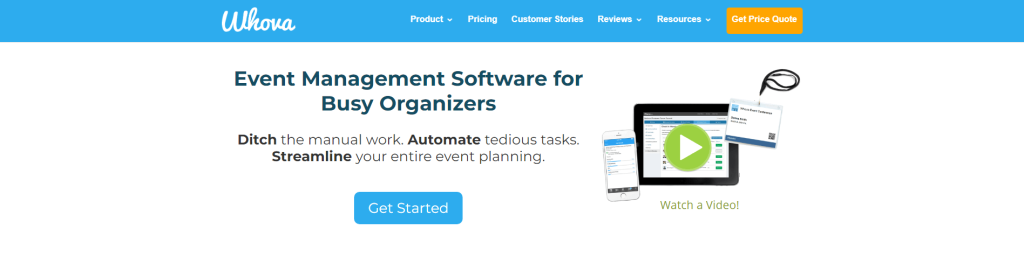
Whova is an award-winning, all-in-one event management platform known for its reliability and ease of use. It provides high-quality customer support and has been awarded the Best Product Team award.
Top Features:
- Event Registration: Whova simplifies the registration process with customization forms and secure payment options, ensuring a smooth experience for attendees.
- Mobile Event App: The mobile app is feature-rich, providing attendees with schedules, networking opportunities, and interactive features like live polling and Q&A sessions.
- QR Code Lead Retrieval: Exhibitors can use QR codes to quickly capture and manage leads, improving networking and follow-up processes.
- Web Page for Schedule: Whova allows organizers to create a dedicated web page for event schedules, providing attendees with up-to-date information on sessions and activities.
What Makes Whova Unique?
Whova’s uniqueness lies in its all-in-one approach to event management. Integrating a wide range of features into a single platform eliminates the complexity of using multiple software. Additionally, being the only event management software on G2’s Global Top 50 Best Software list underscores Whova’s excellence.
Pros
“Very easy and practical to use – friendly. Liked the fact that I could reach each person and pre-plan who I want to meet or engage with while at the show. Agenda and sessions where displayed well and attactive to visitors.” Robin N. Marketing and Advertising, 1,001-5,000 employees
Cons
“There are many features that cannot be turned off. There are emails that go out to attendees without notice. Definitions vary from the proposal stage to the implementation stage: a speaker is also considered an attendee, although they may not attend and just need to be listed on the paper presentation. The most frequent response from their Help Desk begins with “Unfortunately…” Jason Paul G. Education Management, 1-10 employees
5. Eventbrite
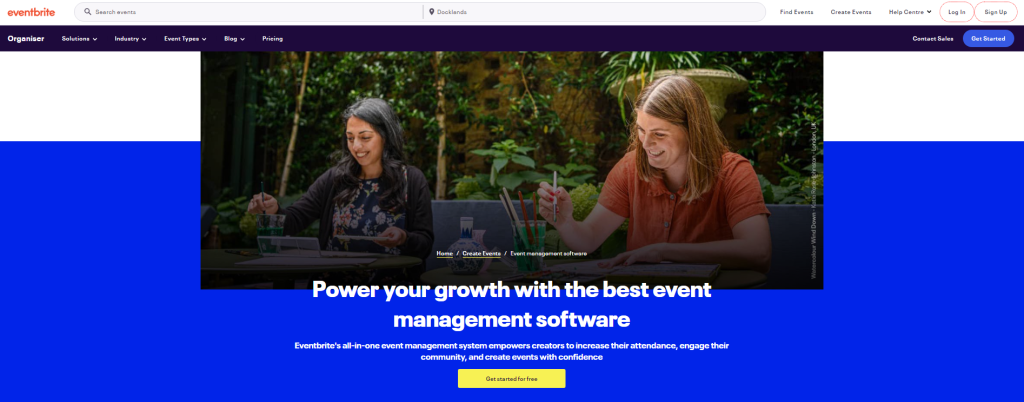
Eventbrite is a flexible platform that adapts to the unique requirements of event organizers, ensuring a seamless event hosting experience. Its platform encourages high levels of guest attendance and provides organizers with significant time savings, improved performance, and increased profits.
Top Features:
- Marketing Tools: Eventbrite provides robust marketing tools to promote your events through effective integrations.
- Website Integration: Widgets can be easily integrated into your website, allowing for seamless ticket sales and event promotion directly from your site.
- Eventbrite Spectrum: This application store offers various apps and integrations to enhance your event management capabilities, from CRM tools to marketing automation.
- Customizable Event Tracking: Eventbrite allows organizers to track event performance with customization reports and analytics.
What Makes Eventbrite Unique?
Eventbrite stands out due to its flexibility and extensive feature set, which make event management significantly easier. Additionally, the free organizer app for iOS and Android devices enables organizers to manage their events from anywhere.
Pros
“The setup and ease of use for a first time Eventbrite user/manager was incredibly easy and seamless. The feature that is most useful to us is the Facebook event integration – and the best part – it’s free. This way, our social media audiences can register for tickets directly through the Facebook event published on Facebook. It’s such a powerful feature and so incredibly easy to setup.” Sarah H. Marketing and Advertising, 1-10 employees
Cons
“ease of use is very bad. I had used it in the past and it worked but I had to market eventbrite just like if I had my event anywhere else. It is not helping to market me. So that defeats the purpose for me. Additionally, when I recently tried to use it in 2023 I could not get my events to post, to have all the correct information. It was not intuitive and easy to understand if I needed to pay something to house my event etc. I spent a couple hours on it. Tried several things to no avail..” Dove H. Health, Wellness and Fitness, 1-10 employees
6. Wrike
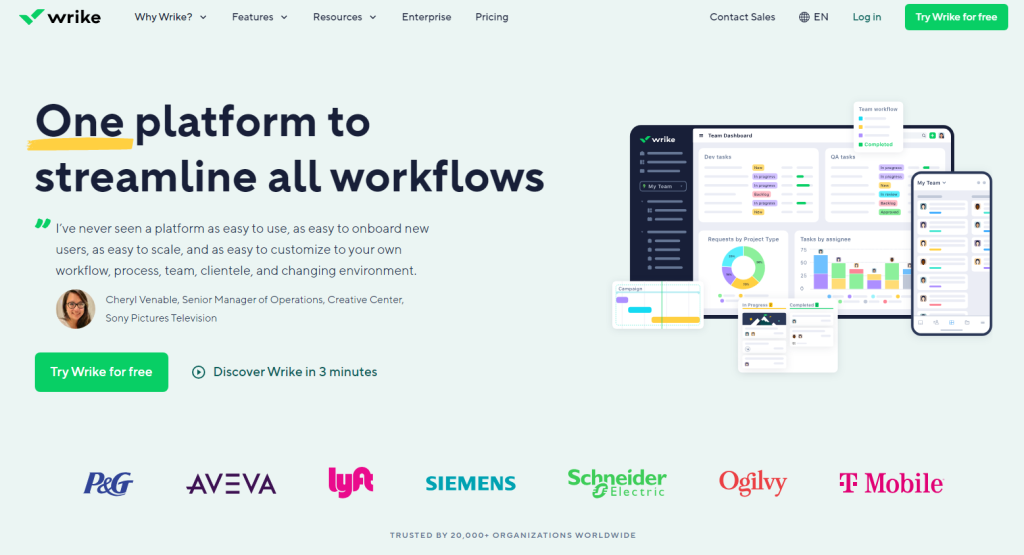
Wrike is a powerful event management software known for its highly effective and structured approach to event planning. It enables event organizers to divide their event plans into distinct phases, assign deadlines to each task, and create a visual timeline that makes tracking progress straightforward.
Top Features:
- Visual Timelines: The software includes tools for creating visual timelines, which make it easy to track progress and see at a glance what needs to be done next.
- Resource Optimization: The platform includes tools for optimizing resources, allowing organizers to allocate staff, budget, and materials effectively.
- Assignment and Accountability: Wrike allows for the creation of specific assignments with clear accountability.
- Event Marketing Tools: It provides tools for event marketing, including email campaigns, social media integration, and promotional tracking.
What Makes Wrike Unique?
Wrike’s main strength lies in its highly effective, structured approach to event planning. Wrike’s centralized supplier management and resource optimization tools streamline the coordination of vendors and resources, making event preparation more efficient.
Pros
“Wrike is quick and easy to setup. It has clean interface with variant functionality. Well its initutive with smooth navigation and flexible for team collaboration where users are able to organize the workforce and utilize the resources at work.” Sanskriti G. Information Technology and Services, 501-1,000 employees
Cons
“There are some elements in there that are not as intuitive and has to be re-learned/get used to” Cherry C. Education Management, 1,001-5,000 employees
7. Slack
Slack is a popular software for team communication that has also been used effectively for session interaction within events. It allows you to create different channels for various topics within one workspace, making it easy to organize conversations.
Top Features
- Video and Voice Calls: Slack supports both video and voice calls, making it easy to hold virtual meetings or quick check-ins without leaving the platform.
- File Sharing: The platform lets its users share files directly within conversations and makes sure that necessary documents are easily accessible to all participants.
- Integration with Other Tools: Slack integrates with a variety of apps, which enhances its functionality and makes it a central hub for event communication.
What Makes Slack Unique?
Slack’s primary strength lies in its channel-based organization, which allows for easy categorization of discussions and allows team members and attendees to find relevant information quickly. In addition to group conversations, Slack supports one-on-one messaging, calls, and file sharing, making it a versatile tool for real-time communication.
Pros
“User-Friendly Interface: The design is intuitive and easy to navigate. I was able to get started right away without needing a lengthy tutorial. Everything is organized in a way that makes sense, allowing me to focus on my tasks rather than figuring out the app.” Mell Y. Hospitality, 10,001+ employees
Cons
“The user interface is readable but slightly bland with the entire white color scheme. It’s not strictly necessary but it can be difficult to only look at that color scheme for when you use it, other programs like Discord have variability.” Ilan T. Graphic Design, self-employed
8. Asana
Asana has a web and mobile “work management platform” that enables event organizers to create a main project board where they can track task updates, set deadlines, and collaborate with team members and stakeholders. It provides pre-made templates for common event types, promoting consistent and cohesive planning.
Top Features:
- Task Management: Asana allows users to create, assign, and track tasks, ensuring every team member knows their responsibilities and deadlines.
- Collaboration Tools: With Asana, team members and stakeholders can easily collaborate, share updates, and provide feedback.
- Integration with Popular Apps: Asana integrates with various popular apps, including Outlook, Slack, and Gmail.
What Makes Asana Unique?
Asana’s real-time tracking make it an excellent choice for event planners who need a seamless tool that can integrate with their existing management applications. Winning the PCMags 2023 Business Choice Award for project management highlights its reliability and effectiveness.
Pros
“Using Asana is straightforward and has top project and task management. I like the collaboration and ease of employee communication.” Michele L. Design, 51-200 employees
Cons
“I hated that when you leave a company that used Asana, there is NO WAY to get all the templates and tweaks you did to your Asana workspace when you leave the company.‘ Dalus R. Hospital & Health Care, 501-1,000 employees
9. Eventcube
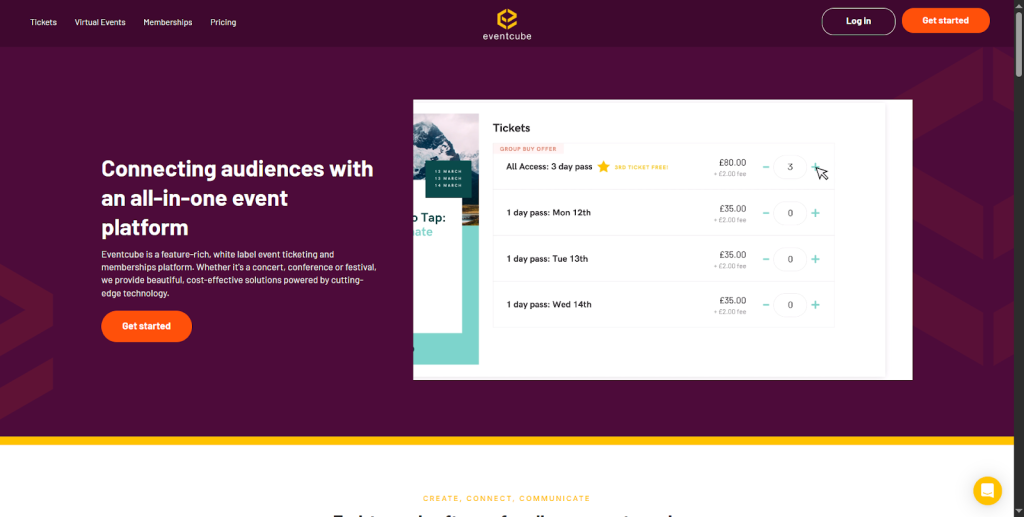
Eventcube is a leading event management platform designed for white-labeling. As an organizer, if your focus is on the branding of the event, along with overall features, Eventcube is the best fit. It allows you to create fully branded ticket stores, manage all kinds of events, and get paid instantly via direct payouts. It is a perfect tool for hosting a boutique festival or even a corporate conference. As a platform, Eventcube combines creativity, management, and reliability to elevate the experience for both you and your attendees.
Top Features:
- White-Label Ticket Stores: Create branded event pages with your own domain and colors.
- Direct Payouts: Get paid as tickets sell through secure Stripe integrations, giving you total financial transparency.
- Hybrid & Virtual Events: Seamlessly integrate with other platforms like Zoom and Teams to host online or hybrid events.
- Membership Management: Manage recurring subscriptions and exclusive member events within one system.
- Advanced Reporting: Access detailed analytics on sales, attendees, and performance to refine your event strategy.
What makes Eventcube Unique?
Eventcube stands out as a white-label event management platform with its instant payout model. Its user-friendly interface makes it ideal for both small organizers and large-scale promoters. Overall, the platform is easy to set up and reliable for growing an event.
Pros
“Intuitive, great functionality, and a good team on hand to help you iron things out.” Marco P.
Cons
Cons
“On occasions, some quirks such as not synchronizing with Qflow were difficult to troubleshoot” .Jonathan C. Group Scout Leader
10. Walls.io
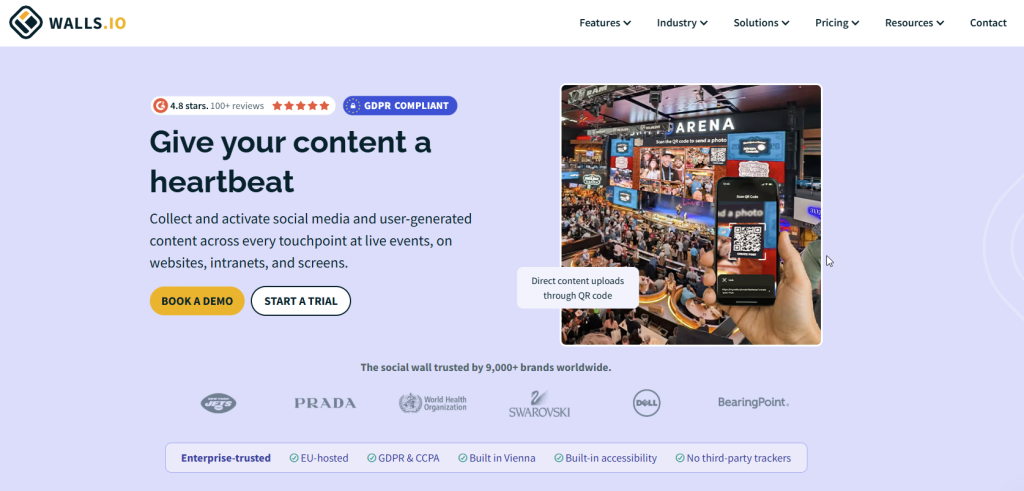
Walls.io is a tool that helps organisers collect, organise and display social media content about their event. This content is posted with the event’s hashtag and includes photos and videos that attendees have uploaded. Walls.io helps people to get more involved at different kinds of events, like conferences, trade shows, hybrid events and internal company gatherings. It does this by using live social walls on event screens, websites, apps and virtual event platforms.
Top Features:
- Live social walls that help event marketers collect posts from different social media sites like LinkedIn, Instagram, TikTok, Facebook, YouTube, and X using hashtags, mentions, or account feeds.
- Attendees can upload photos, videos and messages to the wall directly using QR content uploads, and they don’t need a social media account to do so.
- AI moderation means that admins can approve incoming content automatically.
- There are lots of ways for people to get involved, like polls, reactions and a photo booth. This makes people want to take part from the beginning to the end of the event.
What Makes Walls.io Unique?
Walls.io helps people who organise events to get people involved in events that are happening in person, online, or a combination of both. Brands like NAMM, WHO, and Oklahoma City Thunder use one platform to bring people together, share content, and manage what happens. This helps them create exciting experiences for people both during and after events.
Pros
“It goes beyond a social wall. We’ve used it for polls, photo booths, sponsor activations, and hybrid Q&A—everything connects smoothly and keeps attendees engaged. Sponsors love the visibility inside the feed.” Elen Udovichenko, Head of Content at Flowla
Cons
“Pricing can feel higher than some alternatives, but when you factor in the risk you’re avoiding — legal fines, reputational hits, or accessibility complaints, it pays for itself.” Yulija Kay, Event Manager
Conclusion
Prior to selecting a new event management platform, it’s important to consider your business’s goals, the features you need, and the market trends. In our last words, we suggest you go through the list of event management platforms we have suggested, find the most suitable one, and keep tracking its effect to accelerate your event management game.