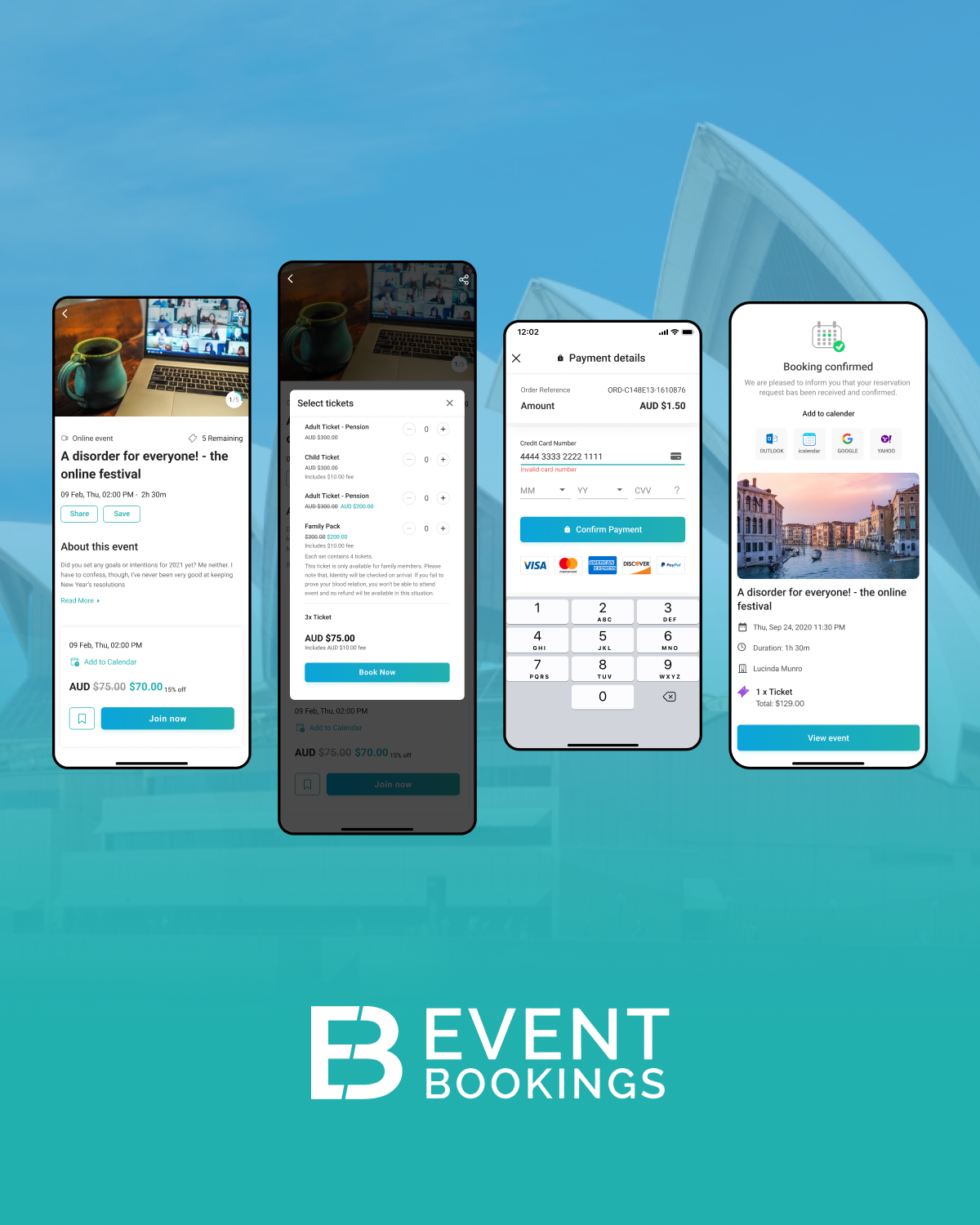
Regardless of event type, attendees who feel connected, informed, and engaged are more likely to stay longer, spend more, and return for future events.
Event mobile apps have become the single most powerful lever for driving that engagement. But not all app features are created equal. Some genuinely move the needle on participation and satisfaction — others are expensive shelfware that attendees ignore after the first five minutes.
This guide breaks down the features that actually matter, backed by what event professionals and their attendees are telling us right now.
Why Attendee Engagement Starts Before the First Session
Engagement isn’t something that begins when the doors open. Eventbrite research consistently shows that attendees value interactive, meaningful, and community-driven event experiences, with engaged attendees more likely to prioritize live events and return to future experiences.
This means the features you offer in the pre-event phase — personalised schedules, push notifications, community forums — set the tone for everything that follows. A well-built event app is less a digital programme and more an ongoing conversation between you and your audience.
1. Personalised Agenda Builder
Traditional printed schedules are no longer effective, especially at multi-track conferences. A personalised agenda builder allows attendees to browse the program, select preferred sessions, and create a custom schedule on their device.
Why it works: Personalisation creates psychological ownership. When an attendee has built their own schedule, they’re far more invested in showing up and following through. Studies on behavioural commitment (Cialdini, Influence) show that small acts of planning dramatically increase follow-through.
Must have elements of a good agenda builder:
- Filter by track, topic, speaker or time.
- One-tap session saving with conflict warnings:
- Calendar sync (Google, Apple, Outlook)
- Live updates when sessions change venue or time.
- Offline access so that it works in regions with poor connectivity.
Pro tip for EventBookings users: Connect your agenda builder to your ticket tier. VIP ticket holders might see exclusive sessions, workshops or networking dinners that aren’t visible to general admission attendees – adding real perceived value to premium tickets.
2. Live Polling and Audience Q&A
Passive audience tend to disengage. Providing attendees with opportunities to participate, such as live polling and Q&A tools, increases engagement and transforms presentations into participatory discussions.
The numbers back this up: Some studies report that real-time polling tools receive responses from around 65% of attendees on average, highlighting how digital interaction tools can encourage broader participation.
What strong live engagement features look like:
- Anonymous Q&A submission (reduces hesitation dramatically)
- Upvoting questions so the best rise to the top
- Real-time word clouds and sentiment polls
- Post-session pulse surveys (“How would you rate this session?”)
- Results displayed live on stage screens live.
These tools also provide actionable data, such as which topics generated the most questions and which sessions had lower satisfaction scores. This information guides future event planning.
3. Networking and Smart Matchmaking
For many attendees — particularly at B2B events and professional conferences — who they meet matters more than what they hear on stage. Yet traditional networking is painfully inefficient: business cards, awkward silences, the hope that you bump into the right person.
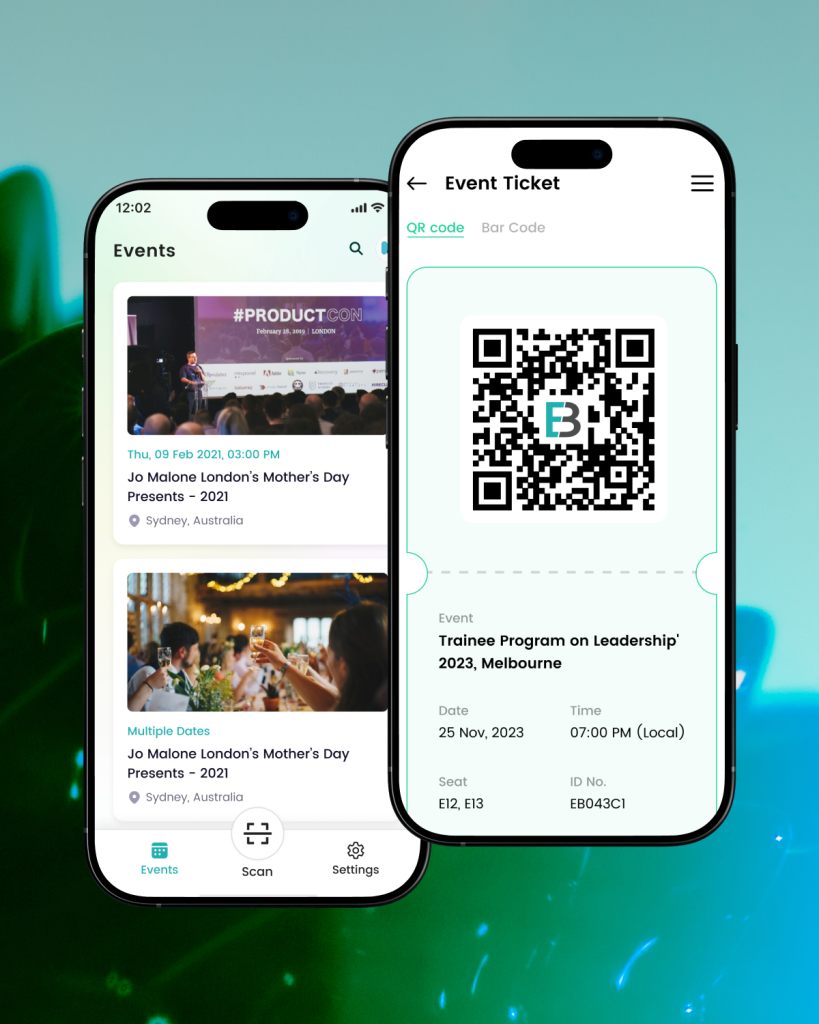
Smart networking features in event apps solve this problem by turning serendipity into strategy.
Core networking features that enable authentic connections:
- Attendee directory with searchable profiles (name, company, role, interests).
- AI-powered matchmaking that suggests relevant connections based on profile data.
- In-app messaging so attendees can introduce themselves before or during the event.
- Meeting scheduler with available time slots and venue map integration.
- Interest tags that help people self-identify (“Looking for investors,” “Open to partnerships,” “Hiring”)
The trust factor: Let the attendees control their own visibility. Opt-in networking features (where people choose to appear in the directory) consistently outperform opt-out systems on participation and satisfaction, because attendees feel in control rather than surveilled.
4. Interactive Venue Maps and Wayfinding
Nothing kills event momentum like a lost attendee. For large-scale events — expos, festivals, multi-venue conferences — navigation anxiety is a real friction point that degrades the overall experience before it’s even begun.
Interactive maps embedded in your event app address this directly.
What a useful event map includes:
- Zoomable floor plans with labelled rooms, stages, and zones
- Points of interest: bathrooms, first aid, food vendors, charging stations
- Session locations linked directly from the agenda
- Search functionality (“Where is Hall C?”)
- Accessibility routes clearly marked
- Exhibitor booth numbers tied to the exhibitor directory
For outdoor or multi-building events: GPS integration can show attendees their real-time location on the venue map — a feature that substantially reduces “where do I go?” support requests and lets your team focus on more complex guest needs.
5. Push Notifications and Immediate Notifications
Push notifications are highly effective in guiding attendee behavior when used appropriately. Overuse or irrelevant messages can cause attendees to disable notifications.
The key is relevance and restraint.
High-value notifications use cases:
- “Your next session starts in 15 minutes” (schedule reminders).
- “The keynote venue has changed — now it’s in Hall B” (live updates)
- “Lunch is now served in the Garden Courtyard” (logistical nudges)
- “Early bird workshop seats just opened up – get yours now” (scarcity triggers)
- “Don’t forget to collect your attendance certificate before 5pm” (action prompts)
Promotional notifications that feel like ads, such as “Visit Booth 42 for a free pen!”, quickly weaken trust. Segment your notification carefully. For example, a CEO who attends a leadership track does not need updates about the student networking lunch.
Opt-in controls matter: Give attendees the ability to personalise which types of notifications they receive. This reduces opt-outs and retains the channel’s effectiveness throughout the full event lifecycle.
6. Gamification and Challenges
Gamification is an effective engagement strategy when aligned with clear event goals. It encourages behaviors such as session attendance, sponsor visits, networking, and social sharing.
Effective gamification mechanics for events:
- Check-in challenges: Earn points for attending sessions, visiting exhibitors, or completing workshops
- Scavenger hunts: Scan QR codes hidden around the venue for clues or prizes
- Leaderboards: Public or team-based rankings create friendly competition (especially effective at team-building or corporate events)
- Badges and achievements: Digital collectibles for milestones (“Attended 5 sessions,” “Met 10 new connections”)
- Prize draws: Points accumulate toward entries in a prize draw, incentivising consistent participation
A word of caution: Gamification should enhance the experience, not distort it. If every attendee is racing to scan sponsor booths just for points, sponsors may see foot traffic without genuine interest — and notice. Design your mechanics to reward genuinely valuable behaviours.
7. Exhibitor and Sponsor Directory with Lead Capture
For trade shows, expos, and sponsored events, the event app is a critical bridge between attendees and exhibitors. A well-designed directory does far more than list company names.
For attendees:
- Searchable exhibitor profiles with product categories and descriptions
- Favouriting to plan their floor walk
- Booking meetings directly from an exhibitor profile
- Downloadable brochures or links to resources
For exhibitors and sponsors:
- Digital lead capture via QR code scanning (replacing paper forms entirely)
- Lead qualification notes added in real-time
- Analytics on profile views and document downloads
- Sponsored placement or “featured exhibitor” visibility
Why this matters beyond the event: The leads captured through an event app are typically higher quality than those collected via paper forms — they’re digitally organised, tagged with context, and ready to sync with CRM platforms. This ROI argument is increasingly what convinces sponsors to return (and upgrade their packages).
8. Social Sharing and Content Walls
Your attendees are already sharing their experience — on Instagram, LinkedIn, X, and TikTok. An event app that channels and amplifies this organic activity turns every attendee into a brand ambassador.
Features that fuel social engagement:
- Event hashtag integration: Display a live social wall aggregating posts tagged with your event hashtag
- Photo sharing within the app: An in-app community feed where attendees share moments without leaving the platform
- One-tap sharing: Pre-formatted social cards attendees can share to their own networks (“I’m speaking at [Event Name] — register here!”)
- Photo booths and AR filters: In-app branded filters or virtual photo frames that make shares instantly identifiable as coming from your event
The dual benefit: Organic social content from attendees provides social proof that money can’t buy. A LinkedIn feed full of real professionals posting from your event does more for next year’s ticket sales than most paid campaigns.
9. Digital Content Library and On-Demand Access
Not every attendee can be everywhere at once. Session clashes are real, and the value of a conference often extends well beyond the event itself.
A content library — where session recordings, speaker slides, and supplementary resources live — extends your event’s lifespan and increases the perceived value of attendance.
What belongs in a post-event content hub:
- Session recordings (with speaker permission)
- Presentation decks available for download
- Summary notes or AI-generated session recaps
- Resource links shared during presentations
- Sponsor content (whitepapers, case studies, product demos)
The engagement loop: Content access can be a ticketing differentiator. “All-access” ticket holders get 90-day video access; general admission gets slides only. This adds genuine value to premium tiers without adding cost.
10. Feedback and Post-Event Surveys
Closing the feedback loop is one of the most neglected aspects of event engagement — and one of the most valuable. In-app surveys capture sentiment while it’s fresh, dramatically outperforming email surveys sent two days later.
Best practices for events surveys:
- Trigger session-specific surveys immediately after each session ends.
- Keep it to 2–3 questions maximum per touchpoint (star rating + one open text).
- Use the exit survey (triggered when attendees check out or the event closes) for overall impressions.
- Make feedback submission feel rewarding — a small gamification point, a thank-you message, or entry into a prize draw increases completion rates
What to do with the data: Survey results should feed directly into your post-event report and planning cycle. If three of your afternoon sessions consistently score below 3.5 stars, that’s a signal — about the content, the speakers, the room temperature, or the timing. Don’t collect data you won’t use.
Bringing It Together: What Makes an Event App Truly Effective
Features only matter if they are well implemented. The best event apps have a few must-have qualities:
Simplicity of onboarding. If an attendee needs more than two minutes to set up their profile and find their schedule, you’ve already lost half your potential users. One-tap login via Google or Apple, or a magic link from their ticket confirmation email, removes friction entirely.
Reliability under load. An event app that crashes during the keynote is worse than having no app. Test your platform with realistic user numbers before the event. EventBookings’ system is designed to handle traffic spikes when usage is highest.
Accessibility. Ensure your app meets WCAG 2.1 AA accessibility standards — readable font sizes, sufficient colour contrast, screen reader compatibility. An event that’s genuinely inclusive reflects well on every aspect of your brand.
Integration with your ticketing platform is key. The best attendee experiences happen when your app and ticketing system use the same data. Attendee information should move from registration to the app automatically, with no double entry or mismatched records.
The Bottom Line
Attendee engagement is not simply a feature, it’s the result of your efforts. The right combination of app features gives attendees the information they need, helps them connect and encourages natural participation.
Start with the features that solve your attendees’ most pressing problems: “What’s on and when?” “Where do I go?” “Who should I meet?” Build from there.
Events that prioritise attendee experience don’t just get better reviews — they generate the word-of-mouth, the repeat attendance, and the sponsor confidence that compounds into long-term growth.
EventBookings gives you the tools to build that experience. The rest is up to you.