The 15 Best Free Event Registration Platforms & Software of 2026
27 February.31 mins read
In today’s fast-paced and dynamic event management landscape, registering software for events has evolved from merely valuable to essential for seasoned event planners and enthusiastic organisers. With the increasing complexity of arranging successful events, from corporate conferences to social gatherings, having a robust online event registration tool at your fingertips has transitioned from convenience to necessity.
This innovative technology streamlines the registration process, empowers attendees with seamless access, works as an event sign up platform and overall furnishes organizers with invaluable data insights to enhance future event-planning endeavors. As the demands of event coordination continue to rise, the adoption of event registration software stands as a beacon of efficiency and effectiveness.
How do these platforms streamline the registration process?
Fortunately, the days of manual data entry and paper registration forms are long gone, and planners today have access to a large selection of online registration platforms. Due to this change, registration is now virtually assured to be simple and speedy.
By providing automated confirmation emails, secure payment processing, online registration forms that are available around-the-clock, and attendee management capabilities, event registration software streamlines the registration process. For the organisers, this means less paperwork, more accurate data, and a better experience for attendees.
In addition to facilitating event’s online registration and payment, these platforms are designed to interface with a broader range of event management tools, which facilitates the tracking and collection of useful data by planners.
Beyond the check-in queue
Although event registration systems’ primary function is attendee management, they can offer other features that might improve your event.
Streamline Registrations
Customise forms with designated fields to collect registration information effectively. This guarantees that you start by gathering pertinent information.
Track ticket sales in real-time
Track ticket sales statistics in real time to determine the return on investment of your event. Better decisions and enhancements for upcoming events are made possible by this.
Enhance attendee experience
Ensure a smooth registration procedure to start off an excellent experience for attendees. During the registration process and right up to the event day, use automated emails to keep attendees informed and involved.
Access and analyse data
Gather and examine information from registration forms, such as RSVP status, contact details, and demographics. Utilise these insights to create thorough attendance profiles and improve event tactics.
Minimize event day mishaps
Utilise self-check-in kiosks or quick badge printing with pre-registered data, reducing manual entry and speeding up the check-in process.
How to pick online event registration tools that fit your registration needs
No matter if it’s a free event registration software for non-profits or a paid platform for a conference, finding the right software is essential for an event’s success. To assist you in selecting the platform that best suits your registration requirements, below is a guide:
Read a cross-section of reviews
To have a thorough grasp of the features offered by each event registration platform, read customer reviews on websites such as Capterra or G2. They emphasise the software’s advantages and disadvantages while offering insights into user experiences.
Look for robust data security
To safeguard guest contact information, make sure the platform has reliable security certifications. EventBookings, for example, uses cutting-edge security features like end-to-end encryption and frequent security assessments.
Prioritise ease of use
Adoption must go smoothly. No matter how tech-savvy your team is, the programme should be simple to use and customise. For features to be effectively utilised, they should be easy to use and available.
Ensure the platform’s fees are clear and within budget
Take a look at the pricing structure, together with the features and package type. If you’re not satisfied with the regular packages, don’t be afraid to contact the sales staff for a custom pricing plan.
Don’t overlook downtime
Ticket sales might be significantly impacted by frequent downtime. To prevent any problems, review the platform’s uptime history and the fine print about its downtime policy.
Explore these 15 event registration software choices for your upcoming event.
EventBookings
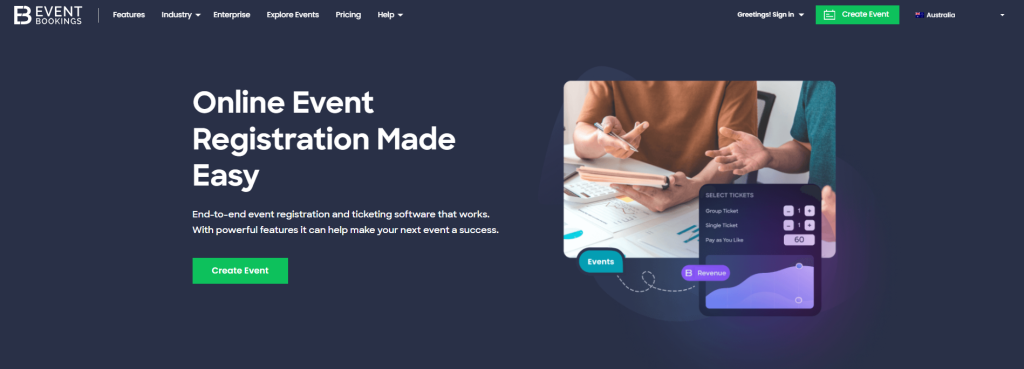
EventBookings is an end-to-end event registration and ticketing software. Whether organising a small gathering or a large-scale conference, EventBookings offers the simplicity and affordability you seek without compromising functionality or quality. Discover this affordable and user-friendly event registration platform, designed to provide you with all the essential tools and features necessary to streamline your event planning process.
Top Features of EventBookings
Streamlined event registration software for effortless setup
Tailored ticket options to suit your event requirements
Automated email reminders and confirmations for attendees
EventBookings’s intuitive event registration app streamlines the process of setting up and managing your event, backed by advanced security measures to safeguard your attendees’ personal and financial data. So, you can bid farewell to tedious manual event registration and welcome a seamless, stress-free experience.
Cons
To access premium features and unlock enhanced capabilities, users may need to purchase additional paid add-ons or choose advanced upgrade options.
Start selling tickets now with EventBookings’ powerful registration platform.
TicketSpice is a platform that provides event ticketing and registration services for various events, including conferences, concerts, fundraisers, festivals, and more. It offers customisable ticketing solutions that allow event organisers to create and sell tickets online, manage registrations, and collect payments directly. It is known for its flexibility, user-friendly interface, and relatively low fees compared to other ticketing platforms.
Top Features of TicketSpice
Drag and drop event page builder
QR code scanning system for large-scale events
Seating arrangements and layouts tailored to the event’s setup
Real-time analytics on event’s performance, conversions and more
Sell add-ons and upgrades
Mobile Pay Pass cashless payment system
Key info
GetApp rating: 4.9/5
Pricing: TicketSpice charges a flat fee of 99 cents per ticket and a basic credit card processing fee of 2.99%.
Pros
The platform supports mobile ticketing, allowing attendees to access and present their tickets easily using their smartphones.
Cons
While TicketSpice’s customisation options offer great flexibility, some users may find the platform’s self-service nature challenging, especially when they require extensive support or guidance.
Cvent
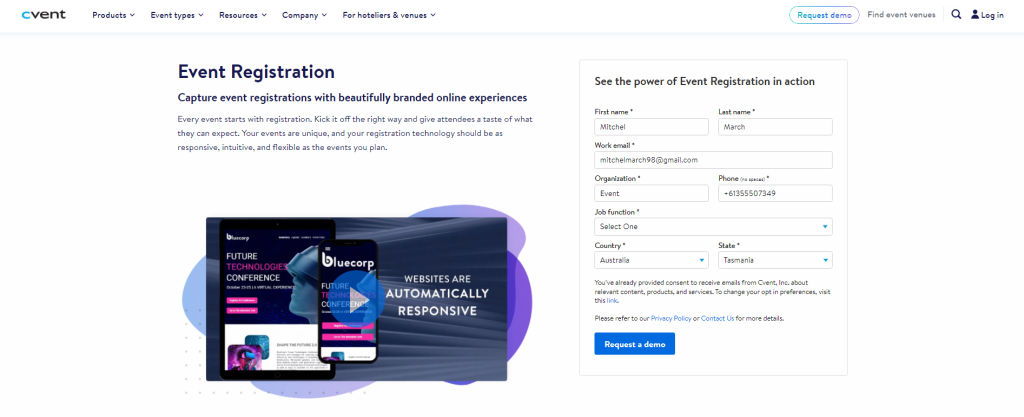
Cvent is another popular cloud-based event registration and management software. What distinguishes Cvent from its competitors is its dynamic event registration app ecosystem. Event organisers can tailor their event pages, implement barcode event registration systems, and harness cutting-edge features, such as integrating open-source event registration systems. Whether you’re orchestrating a corporate summit or a cozy seminar, Cvent’s robust registration tools ensure meticulous management of each event signup.
Top Features of Cvent
Personalised pages for event registration
Options for flexible registration (guest, group, and individual)
Customised agendas for events and session management
Combined payment handling
Tools for promotion and communication with attendees
Reporting and analytics
Integration of mobile event apps
Key info
GetApp rating: 4.4/5
Pricing: The cost of the Cvent is determined by your event’s particular needs, scope, and dimensions. For a customised estimate, you need to contact their sales representative.
Pros
Cvent easily connects with various tools and platforms like banking systems, marketing automation software, and CRM systems. The data flow is improved by this integration, which raises overall efficiency.
Cons
Some customers find that Cvent’s customer service is inadequate, which could make using the features less than ideal for them.
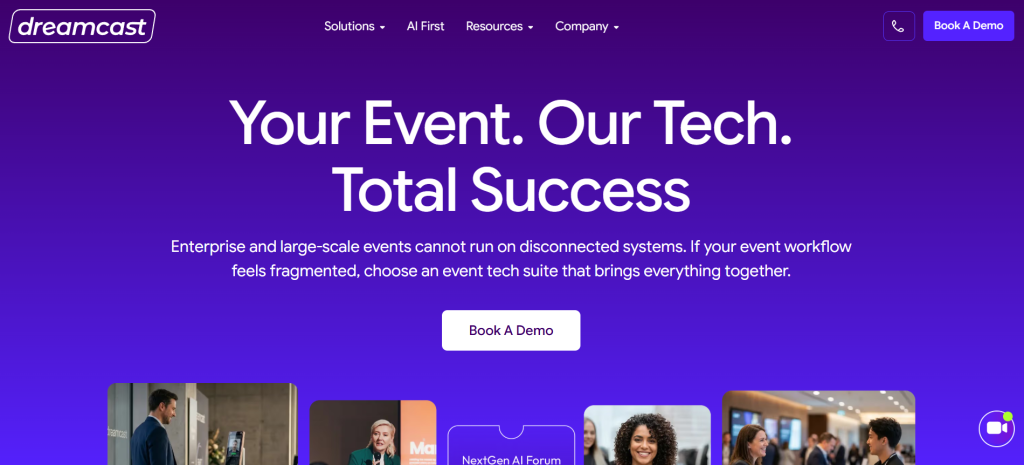
Dreamcast assists event organisers with managing several aspects of an event without creating a chaotic or challenging atmosphere. Everything remains linked in one location, including badge printing, live streaming, mobile applications, registration and ticketing, and attendee interaction. Access lineups at the gate don’t keep becoming longer thanks to its attendance management system, which facilitates quicker access via QR code scanning. When too many individuals arrive at once during peak arrival hours, the procedure seems more seamless.
Best part? Dreamcast is ideal for hybrid, virtual, and in-person events, making it simpler for organisers to manage various event arrangements. And yes, the platform includes networking, access control, reporting, and live event monitoring, so teams won’t have to juggle many tools throughout the event.
Dreamcast’s Best Features
Ticketing and event registration
QR code scanning for event check-in
Instantaneous badge printing options
Cashless payment system
Attendee monitoring and event access management
A mobile app for events that promotes interaction and networking
Support for virtual events and live broadcasting
Tools for real-time reporting and analytics
Important Details
GetApp Rating: 4.6/5
Pricing: Custom pricing is determined by the size of the event and the features that are needed.
Pros
Simple to use, fast check-in, smooth event flow, helpful tools for engaging attendees, and attentive assistance during events.
Cons
Particularly for teams using the platform for the first time, certain complex functions could need some initial setup time.
Eventzilla
Eventzilla is another event marketing and event registration platform. With this platform, event organisers can effortlessly create branded event websites, sell tickets, process payments, manage attendees, promote events online, and more – all in one convenient place. It serves a wide array of industries, including education, media, ecommerce, retail, information technology, manufacturing, non-profit, government, and more.
Top Features of Eventzila
Multiple registration flow based on attendee type
Customisable registration emails, session info, badges, and reminders
Industry-specific solution
Multi-track event schedule builder
Mobile app to monitor real-time ticket sales, revenues, check-in attendees and more
Automated wait lists and approval
Key info
GetApp rating: 4.4/5
Pricing: Three pricing tiers are available for Eventzilla: the Basic plan costs $1.50 per registration, the Pro plan is $2.9% + $1.50, and the Plus plan is $2.9% + $1.50. An exclusive yearly plan is also offered.
Pros
Its straightforward layout and user-friendly interface enable various community members to collaborate in organising events while facilitating easy booking for many others.
Cons
The fees charged by transactions are often perceived as excessively high, which poses a significant financial burden for individuals and businesses alike.
Brown Paper Tickets
Brown Paper Tickets is a comprehensive event ticketing and registration platform tailored for event producers, organisers, and attendees. It offers a valuable platform for businesses seeking to streamline event organisation and online ticket sales. With this platform, users can effortlessly sell tickets via the web, phone, or in-person at any point of sale (POS).
Top Features of Brown Paper Tickets
Customisable event pages with branding and event details
Flexible pricing options for different types of attendees
Comprehensive event management tools, including sales tracking and reporting features
Strong focus on supporting community events and grassroots organisers
Responsive customer support for both organisers and attendees
Key info
GetApp rating: 3.7/5
Pricing: Setting up an event on our platform is free. Brown Paper Tickets offers attendees one of the lowest service fees, starting at just $1.49 plus 6% per ticket.
Pros
Ideal for charity events, performances, and several non-profit and school functions, Brown Paper Tickets seamlessly integrate into any occasion. Its user-friendly interface makes it effortless to navigate and utilise.
Cons
There are better choices than this registration software for medium to large-scale conferences.
Billetto
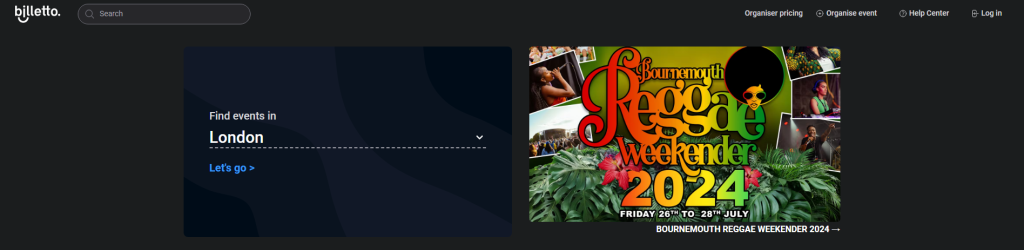
Billetto is a progressive ticketing platform and events community boasting over 3 million members across Europe. It aims to revolutionise traditional ticketing practices by slashing fees, leveraging cutting-edge technology, integrating seamlessly with social media platforms, and captivating users with stunning design. It provides intelligent self-service ticketing solutions, empowering over 300,000 events with a simple plug-and-play ticket shop.
Top Features of Billetto
Quick event creation without requiring technical expertise
Customisable call-to-action buttons tailored to specific event needs
Custom URLs for event listings improve branding and memorability
Rich media integration enhances event listings with images, videos, and links
Flexible ticketing options include free tickets, paid tickets, donations, signups, and vouchers
The mobile-friendly design ensures accessibility on all devices
Key info
GetApp rating: 3.7/5
Pricing: For small and medium organisers, the transaction fee is 3.90% + £0.90, paid by the ticket buyer (excluding VAT). And for larger organisers with over 5,000 paid tickets per year, Billetto offers custom pricing plans.
Pros
It’s a seamless process from start to finish. Navigating through the dashboard is effortless and intuitive. Managing events and ticket sales is a breeze, with everything neatly organised on the top menu bar for easy access.
Cons
The mobile check-in software, while functional, offers a limited array of features and capabilities.
Sell tickets easily! Use EventBookings for your event registration.
Eventbee is an online platform for event management and ticketing, allowing organisers to create, promote, and manage events of various types and sizes. Users can set up event pages, customise ticket types and dynamic registration forms, process payments, manage attendees, and access reporting tools. Eventbee offers a range of features tailored for different types of events, including conferences, seminars, non-profit fundraisers, festivals, schools, sports events, and more.
Top Features of Eventbee
Attendance management feature for keeping track of event attendees
Barcode and ticket scanning to simplify entry procedures
Customisable branding options
Data import/export functionality
Support for secure electronic payment options
Mobile compatibility for convenient event management
Easy-to-use online registration forms to increase participation rates
Key info
GetApp rating: 3.8/5
Pricing: The four pricing tiers are Basic (AU$1.50), Pro (AU$2), Advanced ((AU$3.50) and Business (AU$4.50).
Pros
The iOS app Eventbee Real Time Attendee Check-In allows simultaneous check-in processing across many devices and synchronises check-in data with back-end servers.
Cons
While Eventbee allows for some customisation of event pages and branding, the level of customisation may be limited compared to other platforms.
Ticketleap is an event ticketing platform that aims to simplify managing events, particularly for smaller-scale events that may need more resources or larger, more complex ticketing solutions. This platform covers everything from promotion to payment and check-in. With a centralised administrator dashboard, users with various permission levels can easily market new events using powerful site-building tools.
Top Features of Ticketleap
Gather additional information from attendees during ticket purchase
Require attendees to agree to event terms with waivers
Offer special discounts with discount codes
Generate custom reports for event performance analysis
Process event payments securely through Ticketleap’s gateway
Access support via phone, email, or Help Centre for event setup
Key info
GetApp rating: 4.4/5
Pricing: The ticket prices consist of $1 + 5% of the total ticket price.
Pros
Ticketleap offers tools to assist event planners in monitoring registrations, sales, and other pertinent information. Making wise selections and evaluating an event’s success can benefit both.
Cons
While Ticketleap offers chargeback support, managing disputes and chargebacks can still be time-consuming and challenging for organisers, especially for larger events.
Event Smart
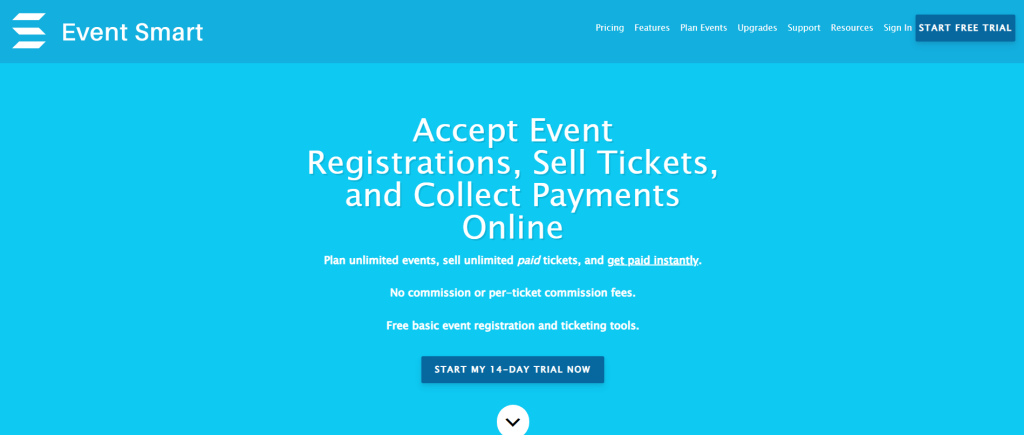
Event Smart is an online event registration and ticketing platform that empowers businesses and organisations to manage their events effectively. It provides tools for event creation, ticket sales, attendee management, and more. Event Smart aims to make event organisation easier and more efficient by offering features like customisable registration forms, payment processing integrations, and support for various types of events such as conferences, seminars, classes, festivals, and non-profit events.
Top Features of Event Smart
Easily register multiple attendees with bulk registration
Efficient registration management to access and download attendee lists
Custom registration forms to collect specific data
Offer various payment options, including credit cards, PayPal, and offline payments
QR code scanning to validate tickets and track attendance
Customisable event website themes
Key info
GetApp rating: Not available
Pricing: Event Smart offers three pricing tiers, starting at $100 per registration (monthly) for the Business plan, $50 for the Personal plan, and $0 for the Basic plan.
Pros
Unlike many other event registration and ticketing platforms, Event Smart does not charge fees per ticket sold. This can significantly reduce costs for event organisers.
Cons
After initially enjoying the free trial of Event Smart, users encountered a setback when it ended. Several valuable features were no longer accessible.
EventCreate
EventCreate is another leading and most affordable ticketing and event management software, empowering businesses to effortlessly create, promote, and oversee their events. Through EventCreate’s intuitive interface, businesses can seamlessly upload data to facilitate ticket sales, gather attendee information, and track event performance via a centralised dashboard. Additionally, the platform streamlines the website customisation process by enabling companies to easily personalise their sites with various templates, incorporating images, text, and video.
Top Features of EventCreate
Beautiful templates for visually appealing event websites
Customisable privacy controls and white-labelling options
Fully customisable layout, colours, and graphics
Support for registrations, RSVPs, and ticket sales
Advanced ticketing options and custom registration forms
personalised confirmation emails with PDF tickets
Notifications for event updates and attendee registrations
Key info
GetApp rating: 4.9/5
Pricing: The Personal Plan, priced at $4 per month billed annually, suits smaller personal events. The Personal+ plan charges $8 per month, while the Business plan is $24 per month. The Enterprise plan is priced at $40 per month for advanced capabilities and billed annually.
Pros
One notable positive aspect of the platform is its user-friendly interface and the ease with which event websites can be created and customised. Users appreciate the intuitive design and customisable layouts, allowing them to set up and personalise their event websites quickly in just a few minutes.
Cons
Despite the variety of design options, some users have encountered limitations when attempting to customise their event websites fully. Certain details cannot be modified to the user’s exact preferences.
Sell tickets quickly with EventBookings’ powerful registration solution.
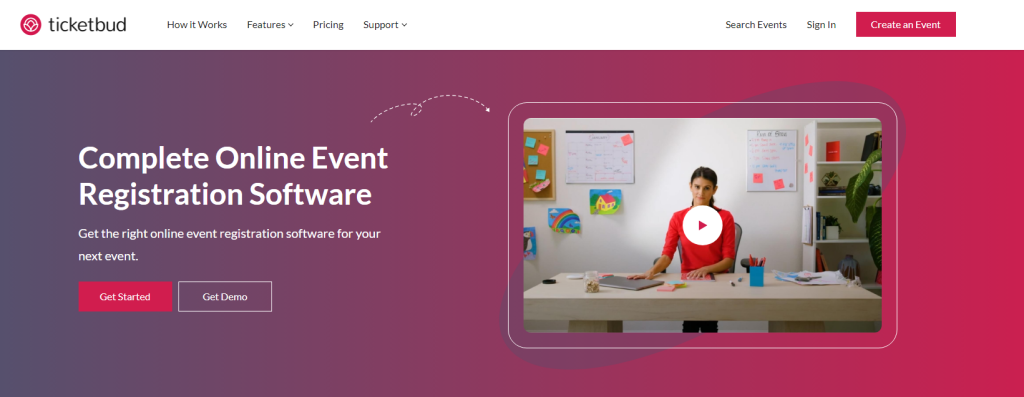
Ticketbud provides a comprehensive event ticketing and registration platform catering to organisations and event planners of varying experience levels. Users retain complete control over ticketing and registration tasks, from sales to attendee management and securing sponsorships. Additionally, Ticketbud offers a complimentary mobile ticket-scanning app for efficient check-ins and access to detailed analytics and reporting features.
Top Features of Ticketbud
Features include attendee management, badge management, and barcode scanning
Supports online registration, ticketing, and onsite ticketing
Facilitates electronic payments and integrates with point-of-sale systems
Customisable branding and forms for events
Real-time analytics and reports for monitoring event performance
Refund and registration management are supported
Sales reports and season ticket functionalities are included
Key info
GetApp rating: 4.7/5
Pricing: Our ticketing fee comprises 2.0% of the ticket price and a nominal $0.99 per ticket service charge. And the payment processor fee is 2.9% of the transaction amount.
Pros
Users find Ticketbud an excellent tool for managing promotions and ticket sales. Its simple dashboard makes tracking ticket sales and managing the event logistics easy.
Cons
It needs advanced features and the capability to gather custom information. While this simplicity makes it user-friendly for novice business owners, it may not meet the needs of those seeking more extensive functionalities.
TicketSource
With its intuitive interface and versatile options, TicketSource enables event planners to create, manage, and sell tickets online effortlessly. Whether it’s a bustling concert hall, an intimate theatre, or a community fundraiser, TicketSource provides a robust platform catering to diverse event types and sizes. From customisable seating plans to flexible ticket formats, TicketSource equips organisers with the necessary tools to organise successful events while ensuring a seamless booking experience for guests.
Top Features of TicketSource
TicketSource offers flexible ticketing options like general admission and allocated seating.
Various ticket formats are available, including print-at-home eTickets, mobile tickets, postal tickets, and wristbands to accommodate different customer preferences.
Event organisers can design seating plans using an interactive tool.
Customers have multiple delivery options, such as email, post, or SMS.
TicketSource provides a telephone box office service to handle phone bookings.
Merchandise sales and additional extras can be offered during the ticket booking process.
A waiting list feature is available for sold-out events.
Key info
GetApp rating: 4.8/5
Pricing: TicketSource has a free version. It charges 7% + VAT per paid booking for payment processing, including card processing costs, with a minimum fee of £0.25 + VAT. Alternatively, users can connect their own Stripe account and pay a 4.5% + VAT fee per paid booking.
Pros
The platform ensures an easy and quick setup process, allowing events to be available for sale within minutes with an interactive event designer.
Cons
While TicketSource offers a mobile app, some users have observed limitations in its functionality compared to the web version.
RSVPify
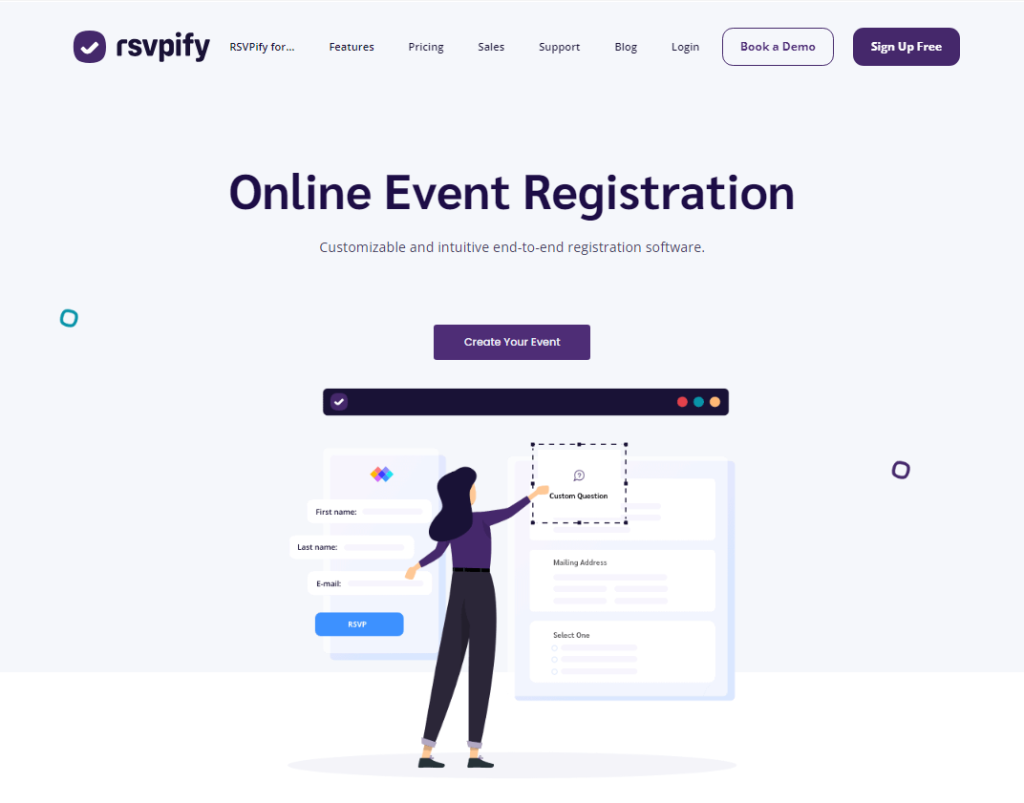
RSVPify is another all-in-one event registration software. You can easily integrate your registration form into your website with just a few lines of code. Whether building from the ground up or customising existing forms, RSVPify offers unparalleled flexibility. In addition to these core features, RSVPify provides a donation collection, a user-friendly seating chart maker, guest check-in functionality, and even a secondary event creator. With RSVPify, your event planning reaches new heights of efficiency and convenience.
Top Features of RSVPify
RSVP tracking streamlines the process for both private and public events.
Online ticket sales and donation acceptance are facilitated for online ticketing.
Customisable virtual event management solutions.
Powerful customisation options ensure a consistent branded appearance.
Comprehensive guest list management keeps everything organised, from invitations to thank-you notes.
Security features include password protection, limiting registration, and verifying vaccine status.
Pricing: RSVPify’s pricing encompasses all features aimed at enhancing your event. The Personal event starts at $19 per month, and the Professional events plan starts at $39 per event. Additionally, it offers the Enterprise package at a starting rate of $499 per event.
Pros
Setting up an event webpage couldn’t be simpler with this platform. It holds a range of advanced features catering to both open and closed RSVPs, giving users the flexibility they need to manage any event effectively.
Cons
There is a limited selection of web page options to choose from. More options mean greater customisation and the ability to perfectly tailor your event page to suit your needs and style.
Whova
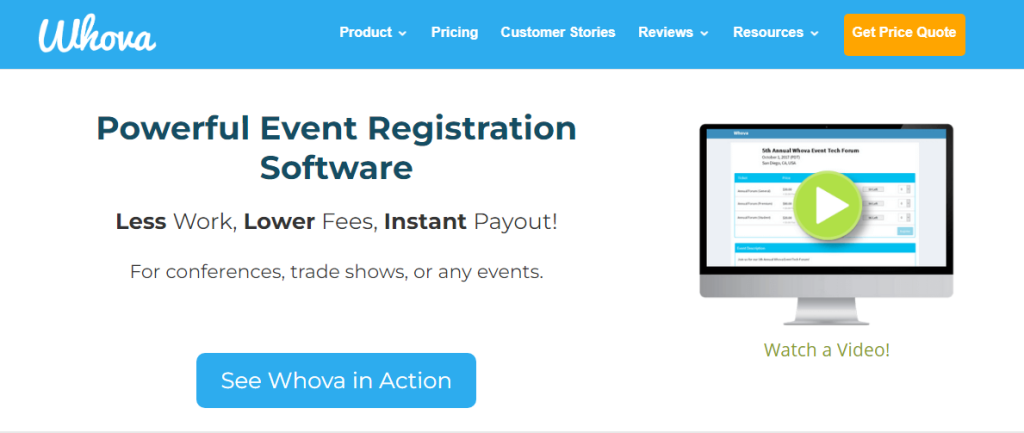
Whova provides complete event software solutions for all kinds of in-person, hybrid, or virtual events. With Whova, you get an easy-to-use free online registration feature where you can customise single or multiple-day tickets and even offer discounts for early signups or large groups. You can create and manage tickets effortlessly, customise registration forms, and track sales in real-time from within Whova’s platform.
Top Features of Whova
Customisable registrations for different ticket types.
Built-in call for speakers and abstracts.
Branded registration webpages and widgets.
Quick and responsive support.
Comprehensive event management tools.
PCI-compliant secure payment processing through a trusted payment gateway.
Key info
GetApp rating: 4.8/5
Pricing: Whova offers complimentary access for events that are free to attend, ensuring a seamless experience without any cost barriers. However, for events with admission fees or paid access, Whova provides tailored pricing solutions to meet your specific needs. To learn more about pricing options for paid events, contact Whova via the convenient request form on their dedicated pricing page.
Pros
Whova’s networking features are designed to facilitate interaction among attendees seamlessly. Attendees can effortlessly connect, schedule meetings, and exchange contact information through these features, enhancing their overall event experience.
Cons
Whova mainly specialises in virtual and hybrid events, primarily focusing on their enhancement and management. They need to expand their offerings to include solutions tailored for offline events exclusively or catering to events that demand online and offline management.
As you’re assessing different online event registration management software providers, choosing a partner that aligns with your specific needs and the preferences of your registrants is crucial. Choosing the right event registration platform from so many options can be overwhelming. So, go over their feature, prices and benefits in detail to pick the one that works best for you.
We use cookies to give you a better experience and some analytics for us. Some of these cookies are essential for us to run the site but some are optional. Learn more about our cookie policy
We are using website, web application and google analytics cookies to run our whole platform. You may block these cookies from browser settings as a result of that some areas of our platform will get restricted.
Necessary cookies are absolutely essential for the website to function properly. These cookies ensure basic functionalities and security features of the website, anonymously.
Analytical cookies are used to understand how visitors interact with the website. These cookies help provide information on metrics such as the number of visitors, bounce rate, traffic source, etc.
Cookie
Duration
Description
_fbp
3 months
This cookie is set by Facebook to display advertisements when either on Facebook or on a digital platform powered by Facebook advertising, after visiting the website.
_ga
2 years
The _ga cookie, installed by Google Analytics, calculates visitor, session and campaign data and also keeps track of site usage for the site's analytics report. The cookie stores information anonymously and assigns a randomly generated number to recognize unique visitors.
_gat_UA-108351430-1
1 minute
A variation of the _gat cookie set by Google Analytics and Google Tag Manager to allow website owners to track visitor behaviour and measure site performance. The pattern element in the name contains the unique identity number of the account or website it relates to.
_gcl_au
3 months
Provided by Google Tag Manager to experiment advertisement efficiency of websites using their services.
_gid
1 day
Installed by Google Analytics, _gid cookie stores information on how visitors use a website, while also creating an analytics report of the website's performance. Some of the data that are collected include the number of visitors, their source, and the pages they visit anonymously.
bcookie
1 year
LinkedIn sets this cookie from LinkedIn share buttons and ad tags to recognize browser ID.
bscookie
1 year
LinkedIn sets this cookie to store performed actions on the website.
CONSENT
2 years
YouTube sets this cookie via embedded youtube-videos and registers anonymous statistical data.
fr
3 months
Facebook sets this cookie to show relevant advertisements to users by tracking user behaviour across the web, on sites that have Facebook pixel or Facebook social plugin.
lang
session
LinkedIn sets this cookie to remember a user's language setting.
lidc
1 day
LinkedIn sets the lidc cookie to facilitate data center selection.
test_cookie
15 minutes
The test_cookie is set by doubleclick.net and is used to determine if the user's browser supports cookies.
UserMatchHistory
1 month
LinkedIn sets this cookie for LinkedIn Ads ID syncing.
VISITOR_INFO1_LIVE
5 months 27 days
A cookie set by YouTube to measure bandwidth that determines whether the user gets the new or old player interface.
YSC
session
YSC cookie is set by Youtube and is used to track the views of embedded videos on Youtube pages.
yt-remote-connected-devices
never
YouTube sets this cookie to store the video preferences of the user using embedded YouTube video.
yt-remote-device-id
never
YouTube sets this cookie to store the video preferences of the user using embedded YouTube video.
yt.innertube::nextId
never
This cookie, set by YouTube, registers a unique ID to store data on what videos from YouTube the user has seen.
yt.innertube::requests
never
This cookie, set by YouTube, registers a unique ID to store data on what videos from YouTube the user has seen.
Functional cookies help perform certain functionalities like sharing the content of the website on social media platforms, collecting feedback, and other third-party features.
Cookie
Duration
Description
_zcsr_tmp
session
Zoho sets this cookie for the login function on the website.
c72887300d
session
This cookie is used in relation to our Zoho Campaigns
nidhia-_zldp
2 years
No description
nidhia-_zldt
1 day
No description
tl_15876_15881_41
1 month
Set by Thrive Leads
tve_leads_unique
1 month
This cookie is set by the provider Thrive Themes. This cookie is used to know which optin form the visitor has filled out when subscribing a newsletter.
The 15 Best Free Event Registration Platforms & Software of 2026
Discover the top 15 free event registration platforms & software for 2024. Streamline your event planning with these essential tools. Find the perfect fit now!
Home
EventBookings
EventBookings
A secure, user-friendly and low cost event ticketing platform with swift payment processing options for events.












 Czechia
  Australia
  Canada
  Ireland
  New Zealand
  United Kingdom
  United States
  Argentina
  Austria
  Belgium
  Brazil
  Bulgaria
  China
China  Croatia
  Cyprus
  Denmark
  Egypt
Egypt  Estonia
  Fiji
Fiji  Finland
  France
  Germany
  Gibraltar
  Greece
  Hong Kong
  Hungary
  India
India  Italy
Italy  Japan
Japan  Jordan
  Latvia
  Liechtenstein
  Lithuania
  Malaysia
  Malta
Malta  Mexico
  Netherlands
  Norway
  Philippines
  Poland
  Portugal
  Qatar
Qatar  Romania
  Saudi Arabia
  Singapore
  Slovakia
  Slovenia
  South Africa
  South Korea
  Spain
Spain  Sweden
  Switzerland
  Taiwan
  United Arab Emirates