How to Live Stream Successfully: A Complete Guide for Event Hosts
4 December.9 mins read
We all have experienced the booming era of live streaming for quite a long way, and the situation is still at its peak, meanwhile widening the space even more. It’s no longer limited to the action of celebrities, showing a sneak peek of their upcoming movie set or sharing some ‘behind the scenes’ moments of their preparation for the big release.
These days, a diverse range of professionals are taking the road toward the live stream. For example, when expert marketers or big brands are going live to capture maximum eyeballs on their new product launching event, media producers might arrange late-night live talk show programs to interact with the viewers on the spot.
Still thinking, why will someone deep dive to take the extra bother to live stream? The cause is crystal clear; this is the platform where their maximum audiences will be.
Live Streaming- a Digital Alternative to Broadcast Your Event
The level of interaction and engagement a live-streaming event offers is definitely one cause of its popularity. It also enlarges the feeling of excitement and unpredictability among the audiences since they never know what will happen next. We all know the effectiveness of visuals more than any other communication form, which is high. Even when you will live stream your virtual events, be it for an online class, graduation program or virtual trade fair, you can reach people across the globe and raise the effectiveness of your online events.
Moreover, live streaming benefits the event organizers; modern audiences prefer and appreciate this type of interaction as they feel authentic and build a transparent relationship with the brands, businesses or other platforms they can trust.
Tips and Checklist Towards a Successful Live Stream Event
Think of that favourite broadcasting show you watch every weekend or wait for the ‘live’ notification. Why do you think you don’t get bored of their live-streaming events? The way they maintain their program is what you want as an audience.
So now, if you are planning for a live virtual event, make sure you do some homework to plan because, under such a challenge and the extra pressure of a live environment, it is not easy to perform live as smoothly and consistently.
⬗ Pre-Preparation Checklist
Ensure you don’t click the live button in haste with zero pre-testing unless you want to lose your viewers.
Sort Out Your Preferred Platform:
Before fixing your targeted platform, know who your audiences are and what your event category is, and depending on these determinants, pick the right platform to get your preferred crowd. You have options of Facebook, Instagram, YouTube, Linked In or Twitter Live and many other available platforms.
Even when you choose Event Bookings as your virtual event platform, you can live stream your online events, ensuring high video quality on many social networks, including Facebook and YouTube.
Focus on Your Live-Streaming Gears
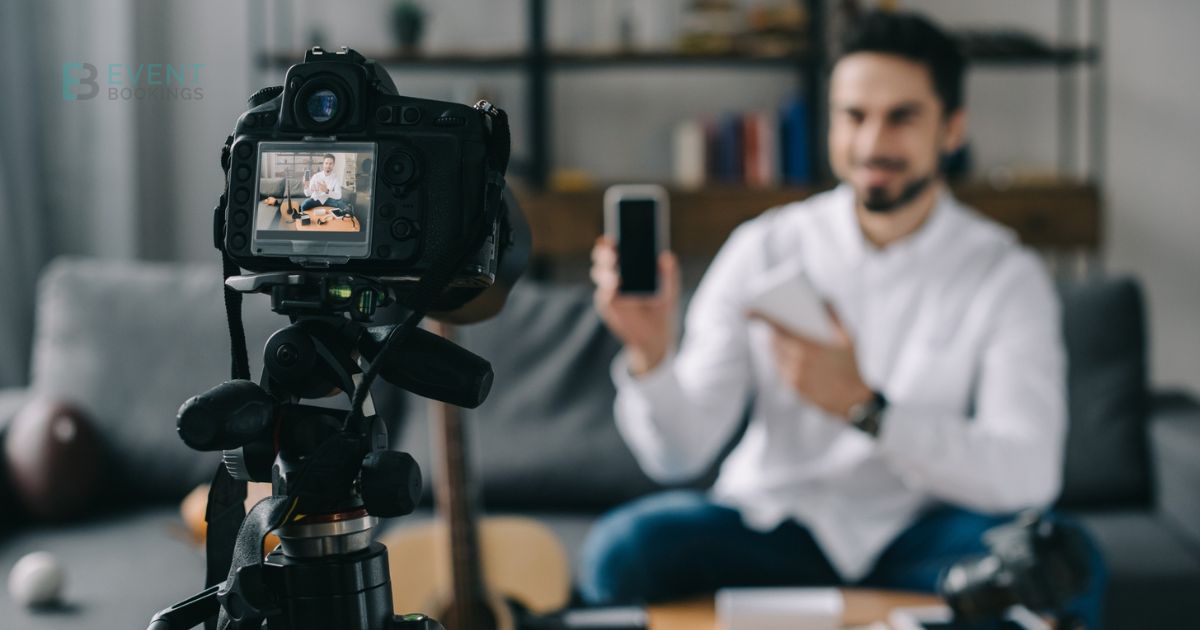
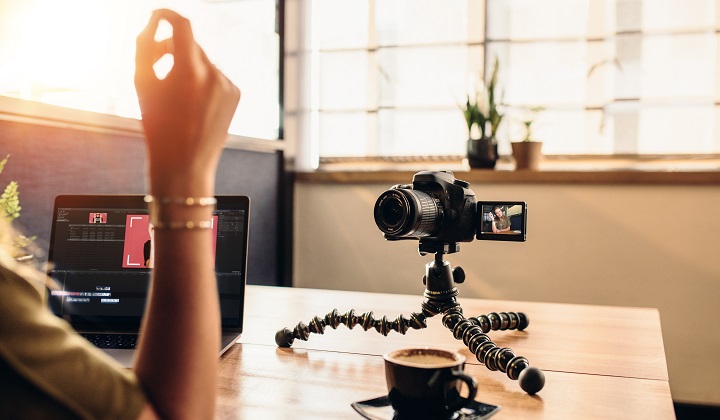
Check the function of all your essential live-streaming equipment. If you are using a laptop, you can attach an external camera for excellent quality. If you pick your mobile device, try using a tripod to maintain stability and a more professional vibe. Focus on your sound quality and always prepare spare headphones or ear pods, a backup battery, and an extra camera if the other gear fails to perform during the event. Also, check out the space limits on your devices.
Fix Other Live-Streaming Essentials
Except for the much-needed gears, other essentials such as internet connection, upload speed, lighting of your area, and background are equally important. For example, suppose you have poor internet speed; all your efforts to gather all high-tech gear will matter nothing unless you maintain a consistent internet connection. Also, for the surrounding noise and lighting impact, your audiences might lose interest if your video is not visible because of the bad lighting or sun glare or full of noisy or busy surroundings.
Choose the Apparent Time
Obviously, you would not set your live stream time late at night or in the early morning. Consider your targeted audience type and try to predict when the maximum will be online. Even for that, you can take suggestions from your viewers via making a poll to ensure their participation. Also, you must remember that you might get viewers from different time zones, so always research before finalizing your schedule.
Promote Your Livestream Event
Just the way we get excited to see movie teasers or other snip shot posts, for your live streaming events promotion, you can follow the same way by creating a teaser video for your upcoming event, except that you can either use memes or countdown in your social media account or open an event page to invite viewers to join and get the ‘live’ notification. For more professional events, go for email promotion.
Nothing beats the pre-checking, but the demo stream testing in a real live environment. Do it in a private setting and allow some of your team members to discover how the system works in real-life conditions. Check and double-check the audio and video quality internet speed and work on using the backup plans to avoid all possible missteps.
⬗ Tips for Smooth and Engaging Processing
Once you are done with the pre-testing, you are set to press the ‘go live’ button and make yourself visible to your audiences.
Respond to your Viewers Live
Always be present in front of your camera and bring out real-life conversation etiquette by engaging your valuable audiences with tools. Try to keep a question-answer session where you can answer all your audiences’ queries in real time. Also, read your audience’s comments and reply during the live session.
Watch the Surroundings
To make your event seamless and professional, maintain a noise-free background in your setting. Suppose you are at home; let all others know when you start your livestream. So that none of your family members interrupt. Because interruptions during the live time will not seem ideal for the viewers, this will show your reluctance and non-proficiency.
Share your Ongoing Livestream
During your ongoing event session, you can request your attendees to share the virtual live events links to gather more crowds since you don’t have to deal with seating arrangements or think of the snack shortage situation.
Monitor and Record the Event
Monitor your live events online in the whole session to measure your audiences’ engagement and record the event so you can share it on your social media page or other platforms for the ones who missed it and those who would like to watch over again.
Finally, Don’t Just end Livestream and Leave
Don’t just turn your camera off after you finish your live-streaming content. Who wouldn’t love to hear ‘thank you’ since your viewers put their valuable time into watching your live stream, they definitely deserve an appreciation for their support. Give them a heads-up about your next event, and your appreciation will motivate them to join your next live virtual event.
Hence, a live stream is all about experiencing a real-time video, and some mishaps and missteps are certain, but by trying all these tips and following the checklists, you can at least try to turn the mistakes into the minimum.
We use cookies to give you a better experience and some analytics for us. Some of these cookies are essential for us to run the site but some are optional. Learn more about our cookie policy
We are using website, web application and google analytics cookies to run our whole platform. You may block these cookies from browser settings as a result of that some areas of our platform will get restricted.
Necessary cookies are absolutely essential for the website to function properly. These cookies ensure basic functionalities and security features of the website, anonymously.
Analytical cookies are used to understand how visitors interact with the website. These cookies help provide information on metrics such as the number of visitors, bounce rate, traffic source, etc.
Cookie
Duration
Description
_fbp
3 months
This cookie is set by Facebook to display advertisements when either on Facebook or on a digital platform powered by Facebook advertising, after visiting the website.
_ga
2 years
The _ga cookie, installed by Google Analytics, calculates visitor, session and campaign data and also keeps track of site usage for the site's analytics report. The cookie stores information anonymously and assigns a randomly generated number to recognize unique visitors.
_gat_UA-108351430-1
1 minute
A variation of the _gat cookie set by Google Analytics and Google Tag Manager to allow website owners to track visitor behaviour and measure site performance. The pattern element in the name contains the unique identity number of the account or website it relates to.
_gcl_au
3 months
Provided by Google Tag Manager to experiment advertisement efficiency of websites using their services.
_gid
1 day
Installed by Google Analytics, _gid cookie stores information on how visitors use a website, while also creating an analytics report of the website's performance. Some of the data that are collected include the number of visitors, their source, and the pages they visit anonymously.
bcookie
1 year
LinkedIn sets this cookie from LinkedIn share buttons and ad tags to recognize browser ID.
bscookie
1 year
LinkedIn sets this cookie to store performed actions on the website.
CONSENT
2 years
YouTube sets this cookie via embedded youtube-videos and registers anonymous statistical data.
fr
3 months
Facebook sets this cookie to show relevant advertisements to users by tracking user behaviour across the web, on sites that have Facebook pixel or Facebook social plugin.
lang
session
LinkedIn sets this cookie to remember a user's language setting.
lidc
1 day
LinkedIn sets the lidc cookie to facilitate data center selection.
test_cookie
15 minutes
The test_cookie is set by doubleclick.net and is used to determine if the user's browser supports cookies.
UserMatchHistory
1 month
LinkedIn sets this cookie for LinkedIn Ads ID syncing.
VISITOR_INFO1_LIVE
5 months 27 days
A cookie set by YouTube to measure bandwidth that determines whether the user gets the new or old player interface.
YSC
session
YSC cookie is set by Youtube and is used to track the views of embedded videos on Youtube pages.
yt-remote-connected-devices
never
YouTube sets this cookie to store the video preferences of the user using embedded YouTube video.
yt-remote-device-id
never
YouTube sets this cookie to store the video preferences of the user using embedded YouTube video.
yt.innertube::nextId
never
This cookie, set by YouTube, registers a unique ID to store data on what videos from YouTube the user has seen.
yt.innertube::requests
never
This cookie, set by YouTube, registers a unique ID to store data on what videos from YouTube the user has seen.
Functional cookies help perform certain functionalities like sharing the content of the website on social media platforms, collecting feedback, and other third-party features.
Cookie
Duration
Description
_zcsr_tmp
session
Zoho sets this cookie for the login function on the website.
c72887300d
session
This cookie is used in relation to our Zoho Campaigns
nidhia-_zldp
2 years
No description
nidhia-_zldt
1 day
No description
tl_15876_15881_41
1 month
Set by Thrive Leads
tve_leads_unique
1 month
This cookie is set by the provider Thrive Themes. This cookie is used to know which optin form the visitor has filled out when subscribing a newsletter.
How to Live Stream Successfully: A Complete Guide for Event Hosts
Find out how to conduct a live stream event with this ultimate checklist. be more careful while choosing the best live streaming platform to host your event.
Home
EventBookings
EventBookings
A secure, user-friendly and low cost event ticketing platform with swift payment processing options for events.






 Ireland
  Australia
  Canada
  New Zealand
  United Kingdom
  United States
  Argentina
  Austria
  Belgium
  Brazil
  Bulgaria
  China
China  Croatia
  Cyprus
  Czechia
  Denmark
  Egypt
Egypt  Estonia
  Fiji
Fiji  Finland
  France
  Germany
  Gibraltar
  Greece
  Hong Kong
  Hungary
  India
India  Italy
Italy  Japan
Japan  Jordan
  Latvia
  Liechtenstein
  Lithuania
  Malaysia
  Malta
Malta  Mexico
  Netherlands
  Norway
  Philippines
  Poland
  Portugal
  Qatar
Qatar  Romania
  Saudi Arabia
  Singapore
  Slovakia
  Slovenia
  South Africa
  South Korea
  Spain
Spain  Sweden
  Switzerland
  Taiwan
  United Arab Emirates