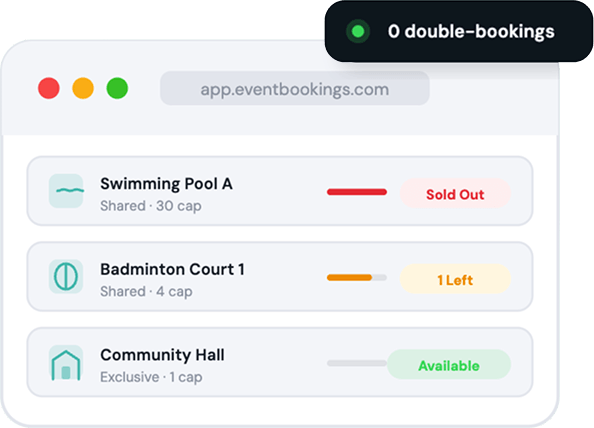
Book Spaces & Assets. Zero Double-Bookings. Every Time.
EventBookings lets you attach pools, courts, halls, vehicles, and equipment directly to events — with automatic availability control so nothing ever gets overbooked.
Capterra 4.7/5
G2 5/5
Google 4.7/5
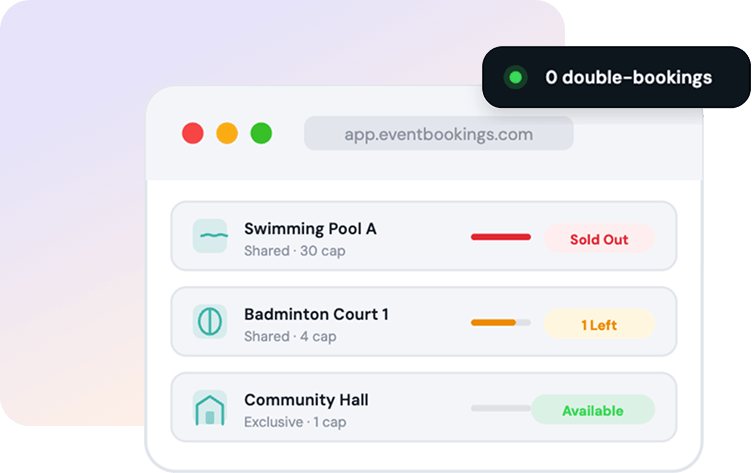
Zero double-bookings possible
Infinity resources you can create
3 steps to assign a resource
50+ countries supported worldwide
What is Resource Booking?
Your venues and assets, managed automatically
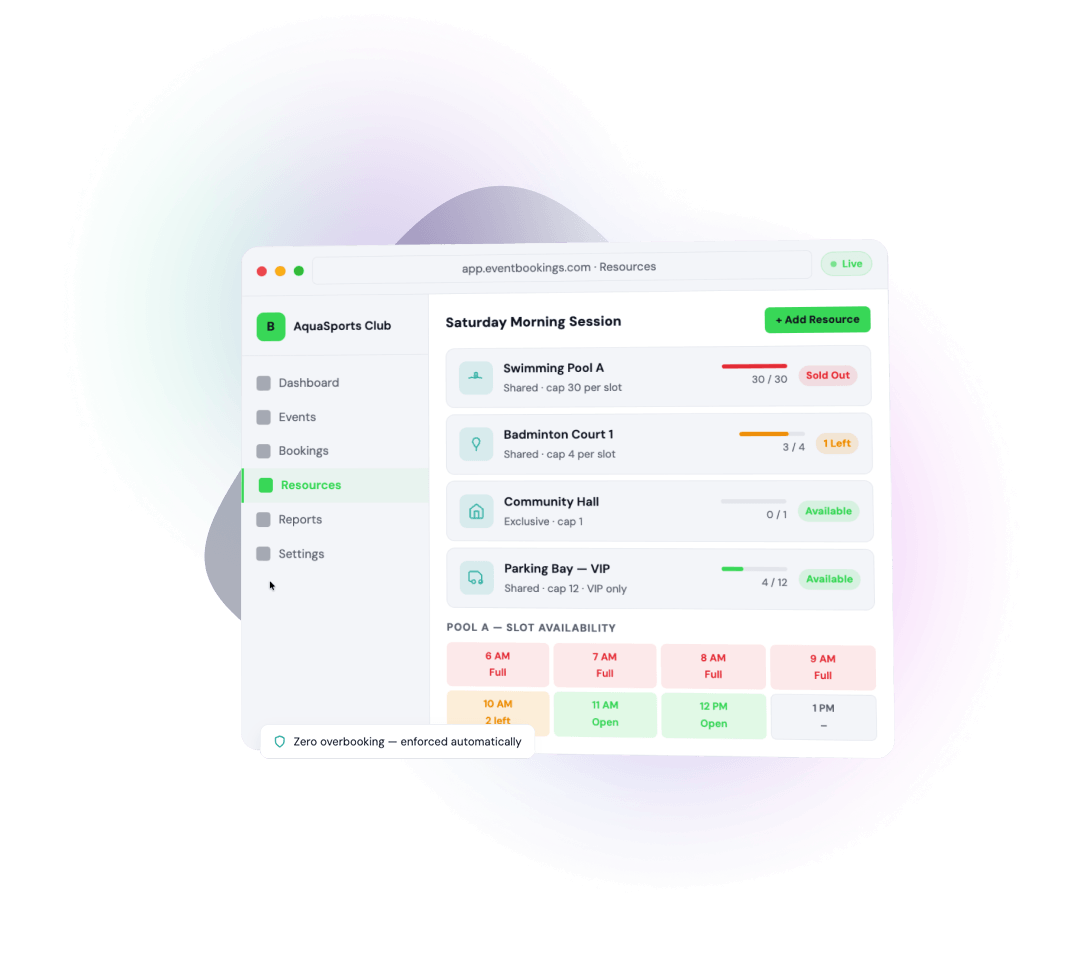
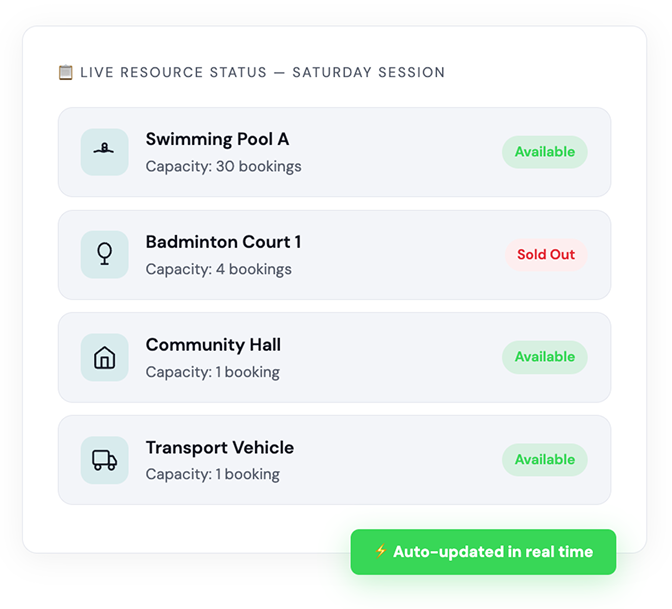
Resource Booking lets event organisers attach bookable physical assets — rooms, courts, equipment, vehicles, and more — directly to an event. The system enforces capacity limits independently, so when a resource fills up it goes Sold Out automatically, protecting you from conflicts and chaos.
Whether you’re running a standard event or a multi-timeslot session, each resource tracks its own availability per slot. No spreadsheets. No manual checks. No embarrassing overbooking calls.
Any space. Any asset. Any event.
From community centres to sporting clubs, EventBookings resource management fits wherever physical assets need to be allocated alongside bookings.
Aquatic & Leisure Centres
Book swimming pools, diving boards, or lane slots across different sessions without any manual juggling.
Sports Facilities
Reserve badminton courts, basketball courts, or sports grounds per timeslot for teams and individuals.
Community Halls & Venues
Allocate rooms for meetings, private events, or ceremonies — with enforced single-booking controls.
Transport & Vehicles
Attach a bus or shuttle to events so attendees can book transport alongside their ticket.
Conference & Exhibition Spaces
Assign breakout rooms, exhibition stalls, or equipment sets to different conference sessions.
Fitness & Wellness Studios
Control equipment stations, private studios, or therapy rooms so classes never exceed safe limits.
Built-in intelligence for every booking scenario
EventBookings doesn’t just track resources — it enforces rules automatically so you can focus on running great events.
Automatic Availability Control
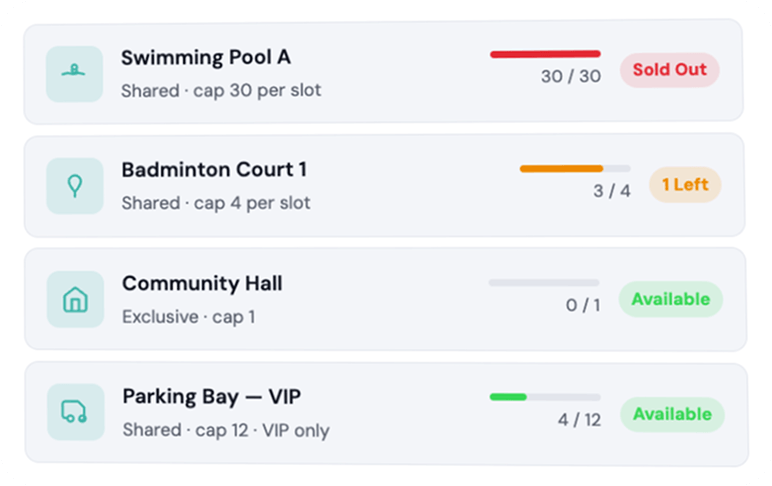
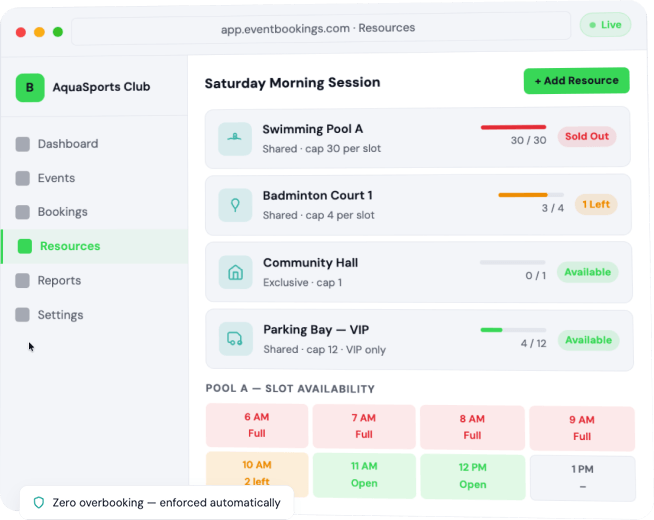
Capacity is enforced independently across event capacity, ticket capacity, and resource capacity. When any one of them is exhausted, that tier shows Sold Out — preventing any conflicting or overlapping bookings without manual intervention.
Flexible Capacity Modes
Set a resource to exclusive (one booking only) or shared (multiple bookings up to a defined limit). Run a single exclusive use of a hall, or allow 20 attendees to share a pool lane — all configurable in one toggle.
Per-Timeslot Resource Tracking
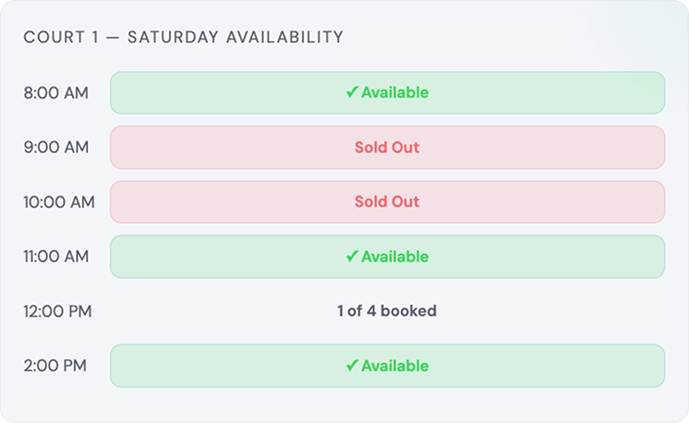
For events with timeslots, resource capacity applies independently per slot. A court available for 9am is tracked separately from the 11am booking. When a slot fills up, that specific time becomes unavailable — other slots remain open. This ensures pinpoint accuracy for high-volume multi-session events.
Organisation-Level Resource Library
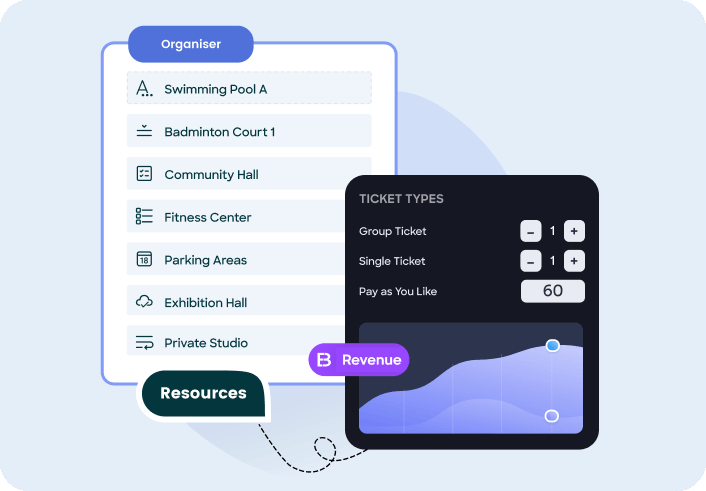
Create resources once at the organisation level, then assign them across multiple events. Add images, descriptions, quantities, and identifiers so your team always knows exactly what's being booked.
Assign Multiple Ticket Types
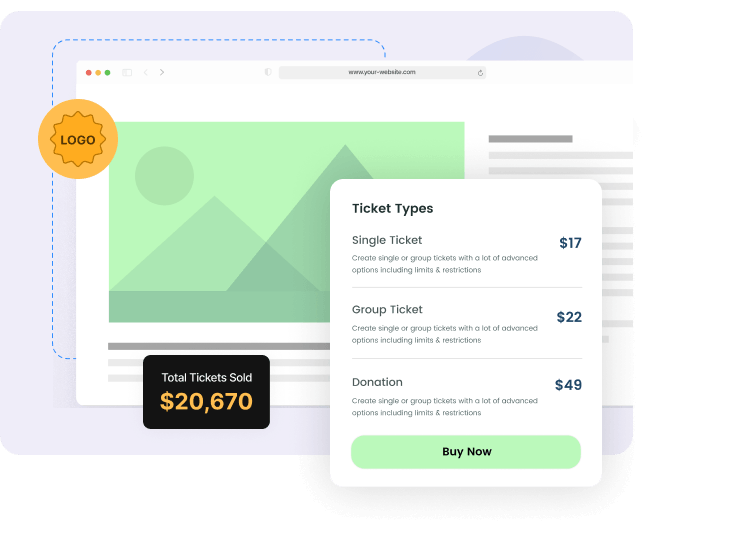
A single resource can be linked to one, several, or all ticket types in your event. Need the VIP lane associated only with premium tickets? Done. Want general admission to access the same hall? That works too.
Up and running in minutes
EventBookings doesn’t just track resources — it enforces rules automatically so you can focus on running great events.
1
Create Your Resources
Go to your Organisation Dashboard and add resources — name, description, quantity, and images — once for the whole organisation.
2
Enable on Your Event
On the Event Information page, scroll down and toggle on Resource Booking. A Resources menu instantly appears in your event setup
3
Assign & Configure
Select which resources belong to this event, link them to ticket types, and set capacity limits — shared or exclusive.
4
Go Live
Publish your event. Availability is tracked and enforced automatically as bookings come in — you don't lift a finger.
Ready to eliminate double-bookings for good?
Join thousands of event organisers using EventBookings to manage resources, sell tickets, and run events without the chaos.
No credit card required.
Frequently asked questions
What types of resources can I add to my events?
You can add any physical asset — swimming pools, sports courts, halls, rooms, venues, vehicles, equipment, parking bay or any space your event requires. Resources are created with a name, description, quantity, and images so attendees know exactly what they're booking.
Can one resource be used across multiple bookings?
Yes. Toggle the "Can this resource be shared?" option ON and define a capacity. The resource will accept bookings until that capacity is reached, then display Sold Out automatically. If sharing is off (the default), the resource accepts only one booking before closing.
How does resource booking work for timeslot events?
For timeslot-based events, each resource's capacity is tracked per timeslot — not for the event as a whole. This means a court can be fully booked at 9am but still available at 11am. Once all timeslots for a resource are sold out, the resource itself shows Sold Out.
Can I assign a resource to specific ticket types only?
Absolutely. When assigning a resource to an event, you select which ticket types it applies to. You can choose one ticket, multiple tickets, or all tickets. This allows nuanced setups like VIP-only access to a private room or standard admission to a shared space.
Do I need to set up resources separately for each event?
No. Resources are created once at the organisation level and can be assigned to any number of events. Their capacity is enforced per event, so adding the same pool to two different events won't cause them to interfere with each other.
Is there a limit to how many resources I can create?
No — you can create as many resources as your organisation needs and assign them freely across all your events.